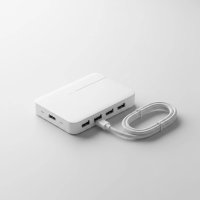
Ever find yourself juggling cables, constantly plugging and unplugging devices because your computer simply doesn’t have enough ports? It’s a common modern-day dilemma, especially with today’s sleeker laptops sacrificing connectivity for portability. That’s where a USB 3 hub comes into play, transforming your single available port into a versatile command center for all your peripherals. Think of it as your digital expansion pack, designed to keep you connected and productive without the hassle.
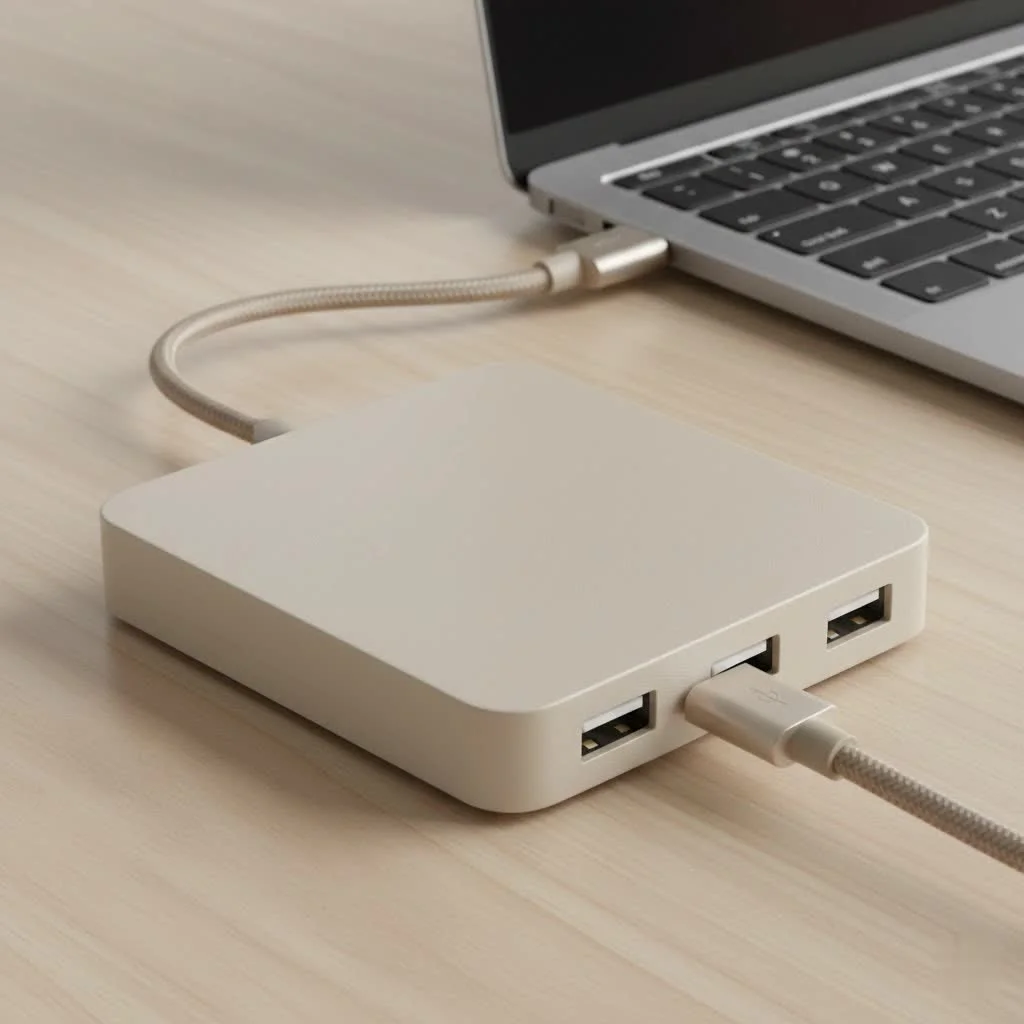
But why specifically a USB 3 hub? We’re not just talking about any old port extender here. The “3” signifies a leap in technology, offering significantly faster data transfer speeds and more robust power delivery compared to its predecessors. If you’re looking to streamline your workspace, boost efficiency, and keep all your gadgets humming along happily, understanding the ins and outs of a USB 3 hub is absolutely essential.
What Exactly is a USB 3 Hub?
At its core, a USB 3 hub is a device that takes one USB port on your computer and expands it into multiple usable ports, typically ranging from 4 to 10 or even more. It acts as a central distribution point, allowing you to connect several USB-enabled devices – like external hard drives, keyboards, mice, printers, or even a webcam – simultaneously through a single connection to your host computer. No more choosing which device gets to be connected!
The “USB 3” part is crucial because it refers to the USB 3.0 standard (also known as USB 3.2 Gen 1). This standard ushered in a new era of “SuperSpeed” data transfer, a game-changer for anyone dealing with large files or multiple high-bandwidth devices. While older USB 2.0 hubs are still around, a USB 3 hub provides the necessary performance for modern computing tasks.
The Power of SuperSpeed: Why Choose a USB 3 Hub?
Choosing a USB 3 hub isn’t just about getting more ports; it’s about unlocking a new level of performance and efficiency for your digital life. Here’s why this particular generation of hubs stands out:
Blazing Fast Data Transfer Speeds
This is arguably the biggest reason to opt for a USB 3 hub. USB 3.0 boasts theoretical data transfer rates of up to 5 Gigabits per second (Gbps). To put that into perspective, it’s roughly ten times faster than the 480 Megabits per second (Mbps) offered by USB 2.0. Imagine transferring a chunky 1GB file in just 1 to 2 seconds with a USB 3 hub, compared to a frustrating 15-20 seconds with its older counterpart. This speed boost is invaluable for tasks like backing up large video libraries, working with external Solid State Drives (SSDs), or syncing data-intensive devices.
Enhanced Power Delivery
|
Our Picks for the Best USB Hub in 2026
As an Amazon Associate I earn from qualifying purchases.
|
||
| Num | Product | Action |
|---|---|---|
| 1 | P9R PRO USB C Hub Ethernet, 10 in 1 USB Docking Station 10Gbps with 4K@60Hz HDMI, USB C and 2 USB A 3.2, LAN, 2 USB A 2.0, PD 100W, SD/TF Ports, USB to Ethernet Adapter for PC, iPhone 16/15, Mac |

|
| 2 | 3-in-1 USB C Splitter, 3 in 1 Type-C Charging Data Cable Data Transmission Decive Charging Adapter Power Charger Equipment for ome Office Use, Fast & Efficient |
|
| 3 | USB Hub 3.0, 7-Port USB Hub Splitter with Individual On/Off Switches and Lights, 3.2ft/1m Long Cable Compatible with MacBook, Laptop, Surface Pro, PS4, PC, Flash Drive, Mobile HDD |
|
| 4 | Powered USB Hub, Wenter 11-Port USB Splitter Hub (10 Faster Data Transfer Ports+ 1 Smart Charging Port) with Individual LED On/Off Switches, USB Hub 3.0 Powered with Power Adapter for Mac, PC |
|
| 5 | Powered USB Hub 10Gbps, intpw 9-Port USB 3.2 Hub, USB C Hub with USB A/USB C 3.2, 4 USB 3.0, 2 PD 45W Charging Ports, 65W Power Adapter and 3.3FT Cable, Aluminum USB Hub for Laptop, iPhone 17/16/15,PC |
|
| 6 | Anker USB Hub 4 Ports with 5Gbps Data Transfer, Multiple USB 3.0 Hub, USB Splitter for Laptop, Extender for A Port Laptop, PC, Desktop and More [Charging Not Supported](0.7 ft USB-A) |
|
| 7 | USB C Docking Station with M.2 NVMe SSD Enclosure 10Gbps, 9 in 1 USB-C Hub, Type C SSD Slot with 4K@60Hz HDMI, USB 3.2 Gen2, PD100W, SD/TF Card Reader, Laptop Docking Station for Dell/HP/Lenovo/Mac |
|
| 8 | Anker Laptop Docking Station Dual Monitor, 8-in-1 USB C Hub, 4K Dual Monitor with 2 HDMI, 1 Gbps Ethernet Hub, 85W Power Delivery, SD Card Reader for MacBook Pro, XPS and More (Charger not Included) |
|
| 9 | UGREEN USB 3.0 Hub, 4 Ports USB A Splitter Ultra-Slim USB Expander for Mouse, Keyboard, Flash Drive, U Disk, Printer Compatible with Laptop, Desktop PC, Xbox, PS5, and More |
|
| 10 | 13 in 1 USB C Docking Station - Dual Monitor, Triple Display, 8 USB C/A Ports, Ethernet, Audio - LIONWEI USB C Hub for MacBook,Dell,HP,Lenovo,Surface |
|
Modern peripherals often require more power than older ones. A significant advantage of a USB 3 hub is its improved power delivery capabilities. USB 3.0 can supply up to 900 mA (milliamperes) of power, a substantial increase over USB 2.0’s 500 mA. This means that many power-hungry devices, such as external hard drives (which often need 600-800 mA), can be powered directly through the hub without needing an additional, separate power adapter. Plus, it allows for faster charging of your smartphones and tablets, cutting down charge times by a noticeable 20-30% compared to a USB 2.0 hub.
Seamless Backward Compatibility
Worried about your older USB 2.0 devices being left in the dust? Don’t be! One of the clever design features of a USB 3 hub is its full backward compatibility with USB 2.0 and even USB 1.1 devices. This means you can confidently plug in your trusty old keyboard, mouse, or printer alongside your newer, faster external SSDs, and everything will work seamlessly. The hub intelligently manages the different speeds, ensuring all your peripherals play nicely together.
Types of USB 3 Hubs: Finding Your Perfect Match
Not all USB 3 hubs are created equal, and understanding the different types is key to choosing the best one for your specific setup.
Powered USB 3 Hubs
These hubs come with their own external power adapter, meaning they draw power directly from a wall outlet rather than relying solely on your computer’s USB port.
Pros:
- Reliable Power: Ideal for multiple power-hungry devices like external hard drives, scanners, or printers, ensuring stable and consistent power delivery without straining your computer’s resources.
- Fast Charging: Often feature dedicated charging ports that can deliver higher amperage for quicker device charging.
- Stable Performance: Less prone to disconnections or data transfer issues when many devices are connected.
Cons:
- Less Portable: Requires an extra power brick and access to an outlet, making them less convenient for on-the-go use.
- More Clutter: Adds another cable and adapter to your desk.
Unpowered (Bus-Powered) USB 3 Hubs
As the name suggests, unpowered hubs draw all their operational power directly from the host computer’s USB port.
Pros:
- Highly Portable: No external power adapter means fewer cables and greater ease of transport, perfect for laptop users on the move.
- Minimalist Setup: Reduces cable clutter on your desk.
- Affordable: Generally less expensive than their powered counterparts.
Cons:
- Limited Power: Not suitable for multiple high-power devices. Overloading can lead to instability, device dropouts, or slow performance.
- Slower Charging: Typically won’t offer the same fast-charging capabilities as powered hubs.
USB-C Hubs with USB 3.0 Capabilities
With the rise of USB-C ports on modern laptops and devices, USB-C hubs have become incredibly popular. Many of these hubs integrate USB 3.0 (and even faster USB 3.1/3.2) ports alongside other functionalities.
Pros:
- Versatile Connectivity: Often include not just USB-A 3.0 ports, but also HDMI for external displays, Ethernet for wired internet, SD card readers, and even USB-C Power Delivery (PD) for charging your laptop through the hub itself.
- Future-Proof: Compatible with the latest generation of slim laptops and tablets.
- Reversible Connector: USB-C plugs can be inserted either way up, making connections easier.
Cons:
- Can Be More Expensive: Due to the added functionality.
- Requires USB-C Port: Your host device must have a USB-C port to use this type of hub.
Real-World Applications: Where a USB 3 Hub Shines
A quality USB 3 hub can dramatically enhance your computing experience across various scenarios:
For the Professional Workstation
If you’re juggling multiple external hard drives for backups, a high-resolution webcam, a dedicated microphone, a professional-grade keyboard, and a mouse, your computer’s built-in ports will quickly become insufficient. A powered USB 3 hub keeps everything connected, powered, and performing at top speed, ensuring uninterrupted workflow and efficient data management.
For the Avid Gamer
Low latency and high data transfer speeds are critical for competitive gaming. A USB 3 hub can comfortably accommodate your gaming keyboard, mouse, headset, and even external storage for your game library, all while maintaining the responsiveness you need. Powered hubs are particularly beneficial here, providing stable power for RGB peripherals and preventing performance drops during intense gaming sessions.
For the Efficient Home Office
Setting up a home office often means connecting a printer, scanner, webcam, external monitor, and various input devices. A USB 3 hub simplifies cable management and provides the necessary connectivity, turning your laptop or desktop into a fully functional workspace without constant cable swapping. Features like integrated Ethernet ports can also provide a more stable internet connection than Wi-Fi.
For On-the-Go Productivity
For those who travel frequently or work remotely, lightweight laptops often come with minimal ports. A compact, unpowered (or even a small USB-C hub) USB 3 hub becomes an invaluable travel companion, allowing you to connect a portable mouse, an external drive for presentations, and charge your phone, all while keeping your setup minimal and efficient.
How to Choose the Right USB 3 Hub for Your Needs
Selecting the perfect USB 3 hub doesn’t have to be complicated. Consider these key factors to make an informed decision:
Port Count: How Many Do You Really Need?
Before you buy, take a moment to list all the USB devices you currently use and any you anticipate adding in the near future. Hubs typically offer 4, 7, or even more ports. It’s always a good idea to future-proof your setup by choosing a hub with a couple more ports than you initially think you’ll need. You’ll thank yourself later when a new gadget comes along!
Powered vs. Unpowered: What’s Your Power Requirement?
This is a critical decision. If you plan to connect power-hungry devices like external HDDs, optical drives, or multiple charging devices, a powered USB 3 hub is non-negotiable. For low-power peripherals like a mouse, keyboard, or flash drives, an unpowered hub offers greater portability and simplicity.
Connectivity Type: USB-A, USB-C, or Both?
Look at the available ports on your computer. If you have older USB-A ports, a traditional USB-A 3 hub will work perfectly. If your laptop is newer and features USB-C ports, a USB-C hub with integrated USB 3.0 ports might be a better choice, offering more versatile connectivity options like video output and power delivery. Some hubs offer a mix of both.
Additional Features: Beyond Just Ports
Many USB 3 hubs come with extra functionalities that can be incredibly useful. Do you need an Ethernet port for a stable wired internet connection? An SD or microSD card reader for transferring photos? Or perhaps HDMI/DisplayPort output for an external monitor? Specialized hubs can integrate these features, reducing the need for multiple adapters.
Build Quality and Design: Durability and Aesthetics
A hub should not only perform well but also look good and stand up to daily use. Look for hubs made with durable materials like aluminum, and consider the cable length if it’s integrated. A robust design ensures longevity and reliable connections, while a sleek aesthetic integrates well with your existing workspace.
“Choosing a USB 3 hub is more than just expanding ports; it’s about optimizing your entire digital ecosystem,” says Dr. Anya Sharma, Lead Connectivity Architect at Meeob Labs. “The right hub acts as an intelligent conduit, ensuring every device gets the bandwidth and power it needs without compromise. It’s an investment in efficiency and longevity for your tech.”
Frequently Asked Questions (FAQ)
Q: Do I really need a USB 3 hub?
A: If you frequently find yourself running out of USB ports, constantly swapping devices, or working with multiple peripherals, then yes, a USB 3 hub can significantly improve your workflow and convenience. It’s especially useful if you need faster data transfer speeds for devices like external hard drives.
Q: Can a USB 3 hub charge my devices faster?
A: Yes, many USB 3 hubs, especially powered ones, can provide enhanced power delivery (up to 900 mA), which allows for faster charging of smartphones and tablets compared to older USB 2.0 ports or hubs. Some hubs even have dedicated charging ports for optimized power output.
Q: Will a USB 3 hub work with my older USB 2.0 devices?
A: Absolutely! USB 3 hubs are designed to be fully backward compatible with USB 2.0 and even USB 1.1 devices. You can connect your older peripherals without any issues, though they will operate at their native, slower USB 2.0 speeds.
Q: What’s the difference between a USB-C hub and a USB 3 hub?
A: A “USB-C hub” refers to the connector type (the reversible USB-C port), while “USB 3 hub” refers to the data transfer standard (USB 3.0, offering 5 Gbps SuperSpeed). Many modern USB-C hubs incorporate USB 3.0 ports within them, alongside other features like HDMI or Ethernet, leveraging the versatility of the USB-C connector.
Q: Can I connect multiple high-power devices to an unpowered USB 3 hub?
A: It’s not recommended. Unpowered (bus-powered) USB 3 hubs draw power from your computer and have limitations on how much power they can supply. Connecting multiple high-power devices like external hard drives to an unpowered hub can lead to instability, device malfunctions, or data transfer interruptions. For such devices, a powered USB 3 hub is essential.
Elevate Your Connectivity with a USB 3 Hub
In a world increasingly dependent on connectivity, the humble USB 3 hub stands out as an indispensable tool for expanding your digital horizons. It’s more than just a port multiplier; it’s a performance enhancer, a workflow optimizer, and a decluttering champion all rolled into one. By providing SuperSpeed data transfer, robust power delivery, and seamless compatibility, a USB 3 hub ensures that your devices are always connected and operating at their full potential.
Whether you’re a creative professional pushing large files, a gamer demanding peak performance, or simply someone who needs to keep all their essential peripherals plugged in, the right USB 3 hub is a game-changer. Take the time to assess your needs, choose wisely, and unlock a world of seamless connectivity. Dive into the world of enhanced efficiency and say goodbye to port limitations – your devices (and your sanity) will thank you!
Get our weekly buyer guide
Practical specs, not advice. Unsubscribe anytime.