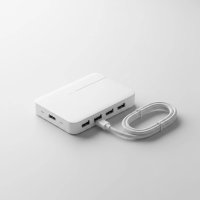
In our increasingly connected world, where every gadget seems to demand a USB port, you’ve likely found yourself in a digital juggle, constantly plugging and unplugging devices. That’s where a USB hub steps in, acting as your digital traffic controller. But not all hubs are created equal. For serious setups and power-hungry peripherals, a USB hub with power supply isn’t just a convenience—it’s an absolute necessity. At Meeob, we believe in empowering you with the knowledge to make smart choices, and today, we’re diving deep into why a powered USB hub is often the unsung hero of a robust, efficient workspace.
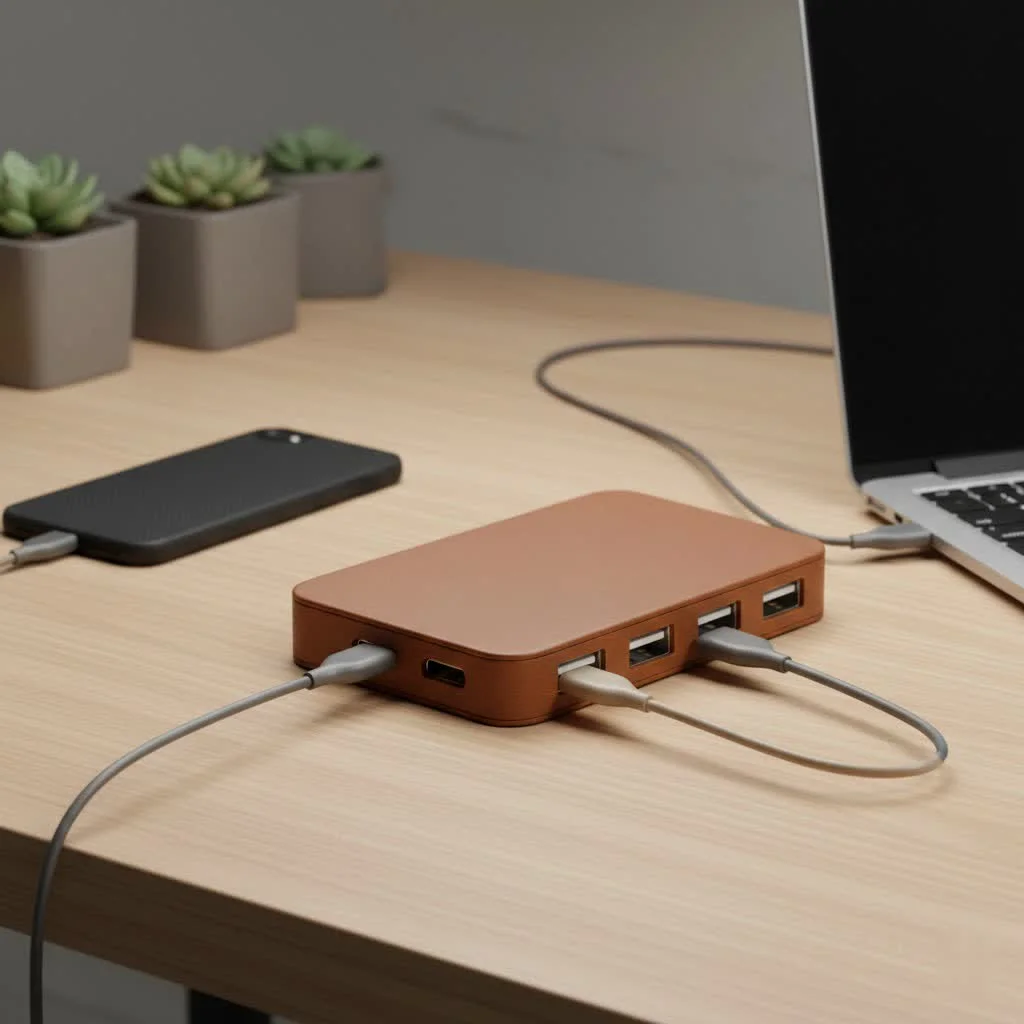
This comprehensive guide will unravel the mysteries of powered USB hubs, exploring their distinct advantages, the various types available, and crucial factors to consider when choosing the perfect one to supercharge your connectivity. For expert usb hubs reviews on this site.
What Exactly is a USB Hub with Power Supply?
Think of your computer’s USB ports like a limited number of electrical outlets in an old house. If you plug in too many high-demand appliances, you risk tripping a breaker. An unpowered, or “bus-powered,” USB hub is like a passive splitter—it simply divides the limited power available from your computer’s single USB port among all connected devices. This works fine for a mouse or a flash drive, but struggles with anything more demanding.
A USB hub with power supply, however, is a game-changer. It comes equipped with its own external AC power adapter, plugging directly into a wall outlet. This independent power source means the hub doesn’t rely on your computer for electricity. Instead, it draws ample power from the mains, distributing it consistently and reliably to every device you connect. This essentially gives your devices their own dedicated power lines, preventing performance issues and ensuring smooth operation, regardless of how many gadgets you’ve hooked up.
Why Go Powered? The Undeniable Benefits of a Self-Powered USB Hub
Choosing a powered USB hub isn’t just about having more ports; it’s about unlocking superior performance, stability, and peace of mind.
Consistent and Stable Power Delivery
One of the most significant advantages of a powered USB hub is its ability to deliver a robust and consistent power supply to all connected devices. Unlike unpowered hubs that might only provide a meager 100-500mA per port (if shared), a powered hub can often supply 2000mA (2A) or more across its ports. This ensures that even power-hungry peripherals receive the ample and steady voltage they need to function optimally. No more worrying about your external hard drive randomly disconnecting or your phone charging at a snail’s pace due to insufficient power.
Handling High-Power Devices with Ease
|
Our Picks for the Best USB Hub in 2026
As an Amazon Associate I earn from qualifying purchases.
|
||
| Num | Product | Action |
|---|---|---|
| 1 | Powered USB Hub 10Gbps, intpw 9-Port USB 3.2 Hub, USB C Hub with USB A/USB C 3.2, 4 USB 3.0, 2 PD 45W Charging Ports, 65W Power Adapter and 3.3FT Cable, Aluminum USB Hub for Laptop, iPhone 17/16/15,PC |

|
| 2 | USB C Docking Station with M.2 NVMe SSD Enclosure 10Gbps, 9 in 1 USB-C Hub, Type C SSD Slot with 4K@60Hz HDMI, USB 3.2 Gen2, PD100W, SD/TF Card Reader, Laptop Docking Station for Dell/HP/Lenovo/Mac |
|
| 3 | 13 in 1 USB C Docking Station - Dual Monitor, Triple Display, 8 USB C/A Ports, Ethernet, Audio - LIONWEI USB C Hub for MacBook,Dell,HP,Lenovo,Surface |
|
| 4 | P9R PRO USB C Hub Ethernet, 10 in 1 USB Docking Station 10Gbps with 4K@60Hz HDMI, USB C and 2 USB A 3.2, LAN, 2 USB A 2.0, PD 100W, SD/TF Ports, USB to Ethernet Adapter for PC, iPhone 16/15, Mac |
|
| 5 | Anker USB Hub 4 Ports with 5Gbps Data Transfer, Multiple USB 3.0 Hub, USB Splitter for Laptop, Extender for A Port Laptop, PC, Desktop and More [Charging Not Supported](0.7 ft USB-A) |
|
| 6 | USB Hub 3.0, 7-Port USB Hub Splitter with Individual On/Off Switches and Lights, 3.2ft/1m Long Cable Compatible with MacBook, Laptop, Surface Pro, PS4, PC, Flash Drive, Mobile HDD |
|
| 7 | UGREEN USB 3.0 Hub, 4 Ports USB A Splitter Ultra-Slim USB Expander for Mouse, Keyboard, Flash Drive, U Disk, Printer Compatible with Laptop, Desktop PC, Xbox, PS5, and More |
|
| 8 | Anker Laptop Docking Station Dual Monitor, 8-in-1 USB C Hub, 4K Dual Monitor with 2 HDMI, 1 Gbps Ethernet Hub, 85W Power Delivery, SD Card Reader for MacBook Pro, XPS and More (Charger not Included) |
|
| 9 | 3-in-1 USB C Splitter, 3 in 1 Type-C Charging Data Cable Data Transmission Decive Charging Adapter Power Charger Equipment for ome Office Use, Fast & Efficient |
|
| 10 | Powered USB Hub, Wenter 11-Port USB Splitter Hub (10 Faster Data Transfer Ports+ 1 Smart Charging Port) with Individual LED On/Off Switches, USB Hub 3.0 Powered with Power Adapter for Mac, PC |
|
Have you ever tried to connect multiple external hard drives, a high-resolution webcam, an optical drive, or a printer to an unpowered hub? Chances are, you’ve encountered issues. These devices demand substantial power, and an unpowered hub simply can’t keep up. A USB hub with power supply is specifically designed for such scenarios, making it ideal for connecting:
- External Hard Drives/SSDs: Ensuring stable data transfer and preventing data corruption.
- Printers and Scanners: Providing the consistent power they need for large print jobs or high-resolution scans.
- High-Power Peripherals: Such as gaming keyboards with RGB lighting, webcams for streaming, or dedicated audio interfaces.
- Multiple Mobile Devices: For faster, more reliable charging.
By offloading the power demands from your computer to the hub’s dedicated power supply, you protect your computer’s USB ports from overload and potential damage.
Enhanced Performance and Data Integrity
When devices don’t receive enough power, their performance can suffer. Data transfer speeds might drop, or devices might become unresponsive. A powered USB hub eliminates these bottlenecks, allowing your peripherals to operate at their peak. For critical tasks like large file transfers to an external drive or high-bandwidth video streaming, the stable power from a powered hub is crucial for maintaining data integrity and avoiding frustrating disconnections. “In my experience, relying on a bus-powered hub for mission-critical tasks is a recipe for disaster,” says technology expert, Alex Chen. “A powered hub ensures your data pipeline remains robust and reliable.”
Expanding Your Connectivity Horizon
Beyond the power benefits, a powered hub offers the sheer expansion your digital life craves. With typically 4, 7, or even more ports, you can connect all your essential peripherals without constantly swapping cables. This is especially useful for:
- Workstations: Where you might have a keyboard, mouse, printer, external monitor, webcam, and external storage all connected simultaneously.
- Gaming Setups: Accommodating multiple controllers, specialized keyboards, and gaming headsets.
- Shared Office Spaces: Allowing multiple users to connect their devices to a central hub without compromising performance.
It’s about creating a streamlined, organized, and highly functional workspace where everything just works.
Types of Powered USB Hubs: Understanding Your Options
USB technology has evolved significantly, bringing different standards and capabilities. Understanding these will help you choose the right USB hub with power supply.
USB 2.0 Powered Hubs
While older, USB 2.0 hubs are still around. They offer transfer speeds up to 480 Mbps and are generally suitable for low-bandwidth devices like keyboards, mice, and basic printers. If you’re connecting many older, less demanding peripherals, a USB 2.0 powered hub can still get the job done, but it won’t be ideal for large data transfers.
USB 3.0/3.1 Powered Hubs
This is where things get faster and more efficient. USB 3.0 (also known as USB 3.1 Gen 1 or USB 3.2 Gen 1) hubs boast speeds up to 5 Gbps, a tenfold increase over USB 2.0. USB 3.1 Gen 2 (now USB 3.2 Gen 2) offers even faster speeds at 10 Gbps. These hubs are excellent for external hard drives, high-resolution cameras, and other devices that require quick data transfer. A powered USB 3.0/3.1 hub provides the necessary power headroom to maintain these high speeds across multiple connected devices.
USB-C Powered Hubs with Power Delivery (PD)
The future of connectivity is often embodied in USB-C. These hubs are particularly versatile, often integrating multiple port types (USB-A, USB-C, HDMI, Ethernet, SD card slots) into a single compact unit. The key feature to look for in a powered USB-C hub is Power Delivery (PD). USB-C PD allows the hub to not only power connected peripherals but also to charge your host laptop or tablet through the same USB-C connection, often up to 60W, 100W, or even higher, depending on the hub. This can significantly reduce cable clutter and turn your single laptop port into a full desktop workstation hub.
How to Choose the Perfect Powered USB Hub for Your Needs
With so many options, selecting the right USB hub with power supply can feel overwhelming. Here’s what to consider:
Assess Your Power Requirements
This is paramount. If you’re connecting devices that need a lot of juice (like external HDDs or charging multiple phones), ensure the hub’s power adapter can supply enough wattage (W) or amperage (A). Check the power ratings of your most demanding devices and ensure the hub’s total output exceeds the sum of their requirements. A good powered hub will clearly state its power output (e.g., 36W, 60W).
Port Count and Type
- How many ports do you need? Always get a few more than you currently think you require to future-proof your setup.
- What type of ports? Do you need primarily USB-A, USB-C, or a mix? Many modern devices use USB-C, while older peripherals still rely on USB-A.
- Dedicated Charging Ports: Some hubs include “BC 1.2” (Battery Charging) compliant ports that deliver higher amperage for faster charging of smartphones and tablets.
Data Transfer Speeds
Match the hub’s USB version to your devices. If you’re dealing with large files, a USB 3.0/3.1 (or even Thunderbolt-compatible) powered hub is essential. For simple tasks, USB 2.0 might suffice, but faster is almost always better.
Build Quality and Design
Consider the materials and construction. A durable hub will withstand daily use. Also, think about its form factor:
- Desktop Hubs: Often larger, with more ports, and designed to stay in one place.
- Portable Hubs: Compact, lighter, and ideal for travel, though they might have fewer ports and slightly less power.
- Port Layout: Ensure enough spacing between ports to accommodate bulkier USB devices.
Additional Features
Some advanced powered hubs offer more than just USB ports:
- Ethernet Ports: For a stable wired internet connection, especially useful for laptops without one.
- HDMI/DisplayPort: To connect external monitors, transforming your laptop into a multi-display workstation.
- SD Card Readers: For photographers and videographers.
- Individual Port Switches: Allowing you to power on/off individual ports to save energy or troubleshoot.
Common Misconceptions About Powered USB Hubs
Let’s clear up a couple of common misunderstandings:
- “All powered hubs can charge my laptop.” While many USB-C powered hubs support Power Delivery, not all do, and not all provide sufficient wattage. Always check the PD specifications if laptop charging is a priority. A hub supporting 100W PD can charge most laptops, but a 30W PD hub might only slow their battery drain.
- “Powered hubs are always better than unpowered ones.” Not necessarily for every single scenario. If you truly only need to connect a mouse and keyboard to a laptop on the go, a compact, unpowered hub is more portable and cost-effective. The key is matching the hub to your specific needs and devices.
Expert Insight: Alex Chen on Optimal Setup
“When building a reliable tech setup, the power source is paramount,” advises Alex Chen, a seasoned hardware engineer at Meeob. “Many users overlook the stability a dedicated USB hub with power supply brings. It’s not just about adding ports; it’s about creating a robust, independent power rail for your peripherals, which safeguards your main computer and ensures every device performs as intended, especially those critical external drives or high-bandwidth accessories.”
FAQs about USB Hubs with Power Supply
Q1: What is the main difference between a powered and unpowered USB hub?
A: The primary difference is the power source. A powered USB hub has its own external power adapter, drawing electricity directly from a wall outlet. An unpowered hub relies solely on the power provided by the host computer’s USB port.
Q2: Can a powered USB hub charge my laptop?
A: Some USB-C powered hubs with Power Delivery (PD) functionality can charge compatible laptops and tablets. However, it’s crucial to check the hub’s wattage (e.g., 60W, 100W PD) to ensure it meets your laptop’s charging requirements.
Q3: Is a powered USB hub faster for data transfer?
A: A powered USB hub itself doesn’t inherently make data transfer faster beyond its USB version (e.g., USB 3.0 vs. USB 2.0). However, by providing stable power, it ensures that high-bandwidth devices can maintain their maximum transfer speeds without power-related performance drops or disconnections, which can make it seem faster and more reliable in practice.
Q4: How many devices can I connect to a powered USB hub?
A: The number of devices you can connect depends on the hub’s physical port count and the power demands of your devices. A powered hub can support many more power-hungry devices simultaneously than an unpowered one, often ranging from 4 to 10+ ports without performance degradation.
Q5: Do I always need a powered USB hub?
A: Not always. For very low-power devices like a mouse, keyboard, or USB flash drive, an unpowered hub is often sufficient and more portable. However, if you plan to connect multiple devices, especially high-power peripherals, or want stable charging, a USB hub with power supply is highly recommended.
Q6: What is USB Power Delivery (PD) in a hub?
A: USB Power Delivery (PD) is a specification for handling higher power through USB-C cables and connectors, allowing for more flexible and powerful charging. A USB-C hub with PD can deliver power to both connected peripherals and charge the host device (like a laptop) simultaneously through a single USB-C port, provided the hub and the host device support the PD standard.
Conclusion
Navigating the world of USB hubs doesn’t have to be a guessing game. By understanding the critical role of a dedicated USB hub with power supply, you’re no longer just expanding ports—you’re investing in the stability, performance, and longevity of your entire tech ecosystem. From supercharging external hard drives to creating a seamless multi-device workstation, a quality powered USB hub transforms your digital experience, ensuring your devices always have the power they need to perform at their best. So, take the leap, choose wisely, and enjoy the unparalleled connectivity and efficiency that a robust powered hub brings to your life.
Get our weekly buyer guide
Practical specs, not advice. Unsubscribe anytime.