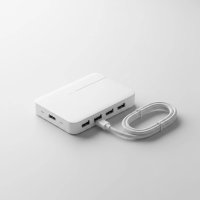
Ever find yourself juggling multiple gadgets, desperately seeking more ports, or battling an unreliable Wi-Fi connection? In today’s hyper-connected world, modern laptops and ultrabooks are sleek and portable, but they often sacrifice essential ports like the trusty Ethernet jack to achieve that slim profile. This is where a hub Ethernet USB becomes an indispensable tool, transforming your single USB port into a versatile command center for all your connectivity needs. It’s more than just an accessory; it’s your gateway to stable internet, expanded peripheral options, and a clutter-free workspace.
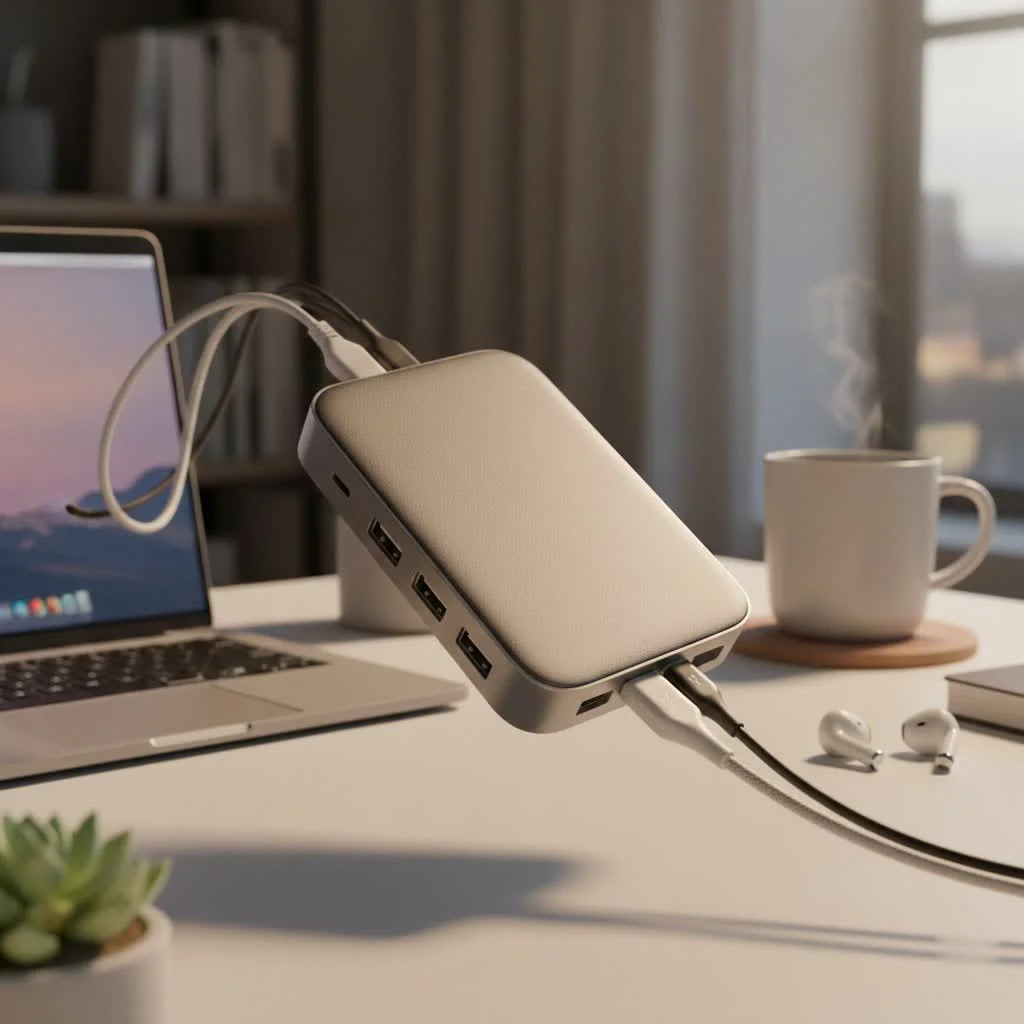
The Shrinking Port Predicament: Why Dedicated Ethernet is Disappearing
Remember when laptops came with a full suite of ports? Those days are increasingly behind us. The drive for thinner, lighter, and more aesthetically pleasing devices has led manufacturers to shed bulkier ports, including the RJ45 Ethernet port. While Wi-Fi has made incredible strides, it still can’t match the unwavering stability and speed of a wired connection, especially for tasks that demand precision. This shift has created a growing need for smart solutions that bridge the gap between minimalist design and maximum functionality. A high-quality hub Ethernet USB offers that crucial bridge, ensuring you’re never truly disconnected from the robust, wired world.
Decoding the USB Ethernet Hub: Your Connectivity Powerhouse
So, what exactly is a USB Ethernet hub, and how does this clever device work its magic? Essentially, a USB Ethernet hub is a multi-functional adapter that connects to one of your computer’s USB ports (whether USB-A or USB-C) and then provides you with an array of additional ports, crucially including an Ethernet port. Think of it as a power strip for your data and network connections. Inside, a sophisticated chip acts as the traffic controller, managing the data flow and power distribution to all connected devices.
Key Features That Make a Difference
When diving into the world of USB Ethernet hubs, several key features dictate their performance and utility:
- USB Port Types and Speeds: You’ll typically find a mix of USB 2.0, USB 3.0 (also known as USB 3.1 Gen 1 or USB 3.2 Gen 1), and increasingly USB-C ports on these hubs.
- USB 2.0 offers speeds up to 480 Mbps, which is fine for basic peripherals like mice or keyboards.
- USB 3.0 vastly improves this with speeds up to 5 Gbps, ideal for external storage drives and faster data transfer.
- USB-C ports on a hub can be for data transfer (often at 5 or 10 Gbps) or for Power Delivery (PD).
- Ethernet Speed: The most crucial aspect for wired connectivity. Look for hubs with Gigabit Ethernet (1 Gbps) for a truly fast and stable wired internet experience. Some advanced hubs might even offer 2.5 Gigabit Ethernet for even higher speeds. A Gigabit port ensures your wired connection won’t be a bottleneck for your internet speed.
- Power Delivery (PD): Many modern USB-C Ethernet hubs come with Power Delivery functionality. This means you can plug your laptop’s charger into the hub, and the hub will pass power through to charge your laptop while still providing all its connectivity options. This is a game-changer for single-port laptops, eliminating the need for multiple dongles.
Varieties of the USB Ethernet Hub: Finding Your Perfect Match
Just like there’s no one-size-fits-all solution for coffee, there isn’t one for USB Ethernet hubs either. They come in various configurations to suit different needs:
- USB-A to Ethernet + Hub: These hubs connect to older, standard rectangular USB-A ports. They typically offer a Gigabit Ethernet port along with several USB-A data ports. They are a cost-effective solution for older laptops or desktops that lack an Ethernet port.
- USB-C to Ethernet + Hub (and Thunderbolt Compatible): These are the stars of the show for modern devices. Connecting to the versatile, reversible USB-C port, these hubs can offer a rich array of ports: Gigabit Ethernet, multiple USB-A and USB-C data ports, HDMI or DisplayPort for external monitors, SD card readers, and often Power Delivery. Some are even Thunderbolt 3 or 4 compatible, offering blazing-fast data transfer speeds and robust display output capabilities. These multi-functional hubs are often referred to as “docking stations” due to their comprehensive port selection, turning a laptop into a full desktop workstation.
- Powered vs. Unpowered Hubs:
- Unpowered hubs draw all their power directly from the host computer’s USB port. They are compact and convenient for low-power devices like mice, keyboards, and flash drives. However, they might struggle with power-hungry devices like external hard drives.
- Powered hubs come with an external power adapter. This dedicated power source allows them to reliably support multiple high-demand devices simultaneously, ensuring stable operation without draining your laptop’s battery or causing performance issues.
“In an increasingly wireless world, the USB Ethernet hub isn’t just about adding ports; it’s about reclaiming control over your connectivity,” explains Dr. Evelyn Reed, Network Architect at NexGen Solutions. “It provides the reliable foundation of a wired network while expanding the versatility of your mobile devices, a critical balance for both productivity and performance.”
Who Truly Benefits from a USB Ethernet Hub?
The beauty of a hub Ethernet USB lies in its broad appeal. If you fall into any of these categories, you’ll find immense value:
- Modern Laptop and Ultrabook Owners: If your sleek new MacBook, Dell XPS, or Surface Laptop has only a couple of USB-C ports, a hub with Ethernet becomes essential for connecting legacy peripherals, external monitors, and a wired internet connection.
- Gamers Seeking Stability: For competitive online gaming, every millisecond counts. A wired Ethernet connection eliminates Wi-Fi latency spikes and disconnections, offering a more stable and faster experience. A USB Ethernet hub ensures your gaming laptop can always tap into that crucial wired advantage.
- Remote Workers and Productivity Enthusiasts: Working from home often means connecting to company networks, video conferencing, and transferring large files. A stable wired connection is paramount for uninterrupted work, and a hub provides that while expanding your ability to connect keyboards, mice, and other accessories.
- Frequent Travelers: Compact USB Ethernet hubs are a lifesaver for travelers. Hotel Wi-Fi can be notoriously unreliable, but a wired connection via your portable hub can provide a much-needed stable link for business or entertainment.
- IT Professionals and System Administrators: For tasks like imaging computers, troubleshooting network issues, or upgrading network adapters, a reliable and universally compatible USB Ethernet adapter or hub is an invaluable tool. It allows you to quickly get a machine online even if its built-in network adapter isn’t working or lacks drivers.
Beyond the Basics: The Tangible Benefits You’ll Experience
Integrating a USB Ethernet hub into your tech setup brings a cascade of advantages:
- Unwavering, Faster Internet: This is arguably the biggest draw. A wired Gigabit Ethernet connection consistently outperforms Wi-Fi in terms of speed and stability, making a significant difference for streaming 4K content, video calls, large downloads, and online gaming. Say goodbye to buffering and dropped connections.
- Expanded Connectivity at Your Fingertips: From external hard drives and printers to webcams and USB microphones, a hub provides the necessary ports to connect all your essential peripherals, often with faster USB 3.0 or 3.1 speeds. Many hubs also add card readers (SD/microSD) and video output (HDMI/DisplayPort) for a truly comprehensive experience.
- Enhanced Portability and Convenience: Rather than carrying multiple single-purpose adapters, a single USB Ethernet hub can replace them all. Its compact design makes it easy to slip into your laptop bag, ensuring you’re prepared for any connectivity scenario on the go.
- Future-Proofing Your Devices: With the continuous evolution of USB standards, investing in a versatile USB-C hub with Ethernet and Power Delivery ensures your current devices remain compatible with a wide range of future peripherals and network infrastructures.
Selecting Your Ideal USB Ethernet Hub: A Smart Shopper’s Checklist
Choosing the right hub Ethernet USB isn’t just about the number of ports; it’s about finding the perfect fit for your specific needs. Consider these factors:
- Host Device Compatibility: Do you need a USB-A hub or a USB-C hub? If you have a modern laptop, a USB-C hub (especially one supporting Thunderbolt) will offer the most versatile and high-performance options.
- Required Ethernet Speed: For optimal performance, always aim for a Gigabit Ethernet (1 Gbps) port. If your budget allows and your network supports it, a 2.5 Gigabit Ethernet port is even better for future-proofing.
- Number and Type of USB Data Ports: How many extra USB-A and USB-C ports do you need? Prioritize hubs with USB 3.0 (or newer) ports for faster data transfer speeds, especially if you connect external storage.
- Power Delivery (PD): If you have a USB-C laptop and want to charge it while using the hub, ensure the hub supports Power Delivery and can provide sufficient wattage (e.g., 60W, 85W, or 100W) for your device.
- Additional Ports: Do you need an HDMI or DisplayPort for an external monitor? An SD/microSD card reader for photographers? An audio jack? Consider your ecosystem of peripherals.
- Portability vs. Desktop Use: Compact, lightweight hubs are great for travel, while larger, more robust docking stations might be better for a fixed desktop setup where more ports and power are needed.
- Build Quality and Durability: Look for hubs made from durable materials like aluminum, which offer better heat dissipation and longevity than plastic. A well-built hub will withstand the rigors of daily use.
Seamless Setup: Getting Your USB Ethernet Hub Up and Running
Most USB Ethernet hubs are designed for plug-and-play convenience. Here’s a quick rundown:
- Connect the Hub: Plug the hub’s main cable (USB-A or USB-C) into an available port on your computer.
- Driver Installation: In most cases, your operating system (Windows, macOS, Linux) will automatically detect the hub and install any necessary drivers. If not, check the manufacturer’s website for driver downloads.
- Connect Ethernet: Plug an Ethernet cable from your router, modem, or network switch into the RJ45 port on your hub. Your computer should now detect the wired connection.
- Connect Peripherals: Plug your USB devices, external monitor (if applicable), and charging cable (for PD hubs) into the corresponding ports on the hub.
If you encounter issues, a quick restart of your computer or checking device manager for driver updates often resolves connectivity problems.
Frequently Asked Questions About USB Ethernet Hubs
Q: Are USB Ethernet adapters as fast as built-in Ethernet ports?
|
Our Picks for the Best USB Hub in 2026
As an Amazon Associate I earn from qualifying purchases.
|
||
| Num | Product | Action |
|---|---|---|
| 1 | Powered USB Hub, Wenter 11-Port USB Splitter Hub (10 Faster Data Transfer Ports+ 1 Smart Charging Port) with Individual LED On/Off Switches, USB Hub 3.0 Powered with Power Adapter for Mac, PC |

|
| 2 | USB Hub 3.0, 7-Port USB Hub Splitter with Individual On/Off Switches and Lights, 3.2ft/1m Long Cable Compatible with MacBook, Laptop, Surface Pro, PS4, PC, Flash Drive, Mobile HDD |
|
| 3 | Anker USB Hub 4 Ports with 5Gbps Data Transfer, Multiple USB 3.0 Hub, USB Splitter for Laptop, Extender for A Port Laptop, PC, Desktop and More [Charging Not Supported](0.7 ft USB-A) |
|
| 4 | 3-in-1 USB C Splitter, 3 in 1 Type-C Charging Data Cable Data Transmission Decive Charging Adapter Power Charger Equipment for ome Office Use, Fast & Efficient |
|
| 5 | Anker Laptop Docking Station Dual Monitor, 8-in-1 USB C Hub, 4K Dual Monitor with 2 HDMI, 1 Gbps Ethernet Hub, 85W Power Delivery, SD Card Reader for MacBook Pro, XPS and More (Charger not Included) |
|
| 6 | 13 in 1 USB C Docking Station - Dual Monitor, Triple Display, 8 USB C/A Ports, Ethernet, Audio - LIONWEI USB C Hub for MacBook,Dell,HP,Lenovo,Surface |
|
| 7 | UGREEN USB 3.0 Hub, 4 Ports USB A Splitter Ultra-Slim USB Expander for Mouse, Keyboard, Flash Drive, U Disk, Printer Compatible with Laptop, Desktop PC, Xbox, PS5, and More |
|
| 8 | USB C Docking Station with M.2 NVMe SSD Enclosure 10Gbps, 9 in 1 USB-C Hub, Type C SSD Slot with 4K@60Hz HDMI, USB 3.2 Gen2, PD100W, SD/TF Card Reader, Laptop Docking Station for Dell/HP/Lenovo/Mac |
|
| 9 | Powered USB Hub 10Gbps, intpw 9-Port USB 3.2 Hub, USB C Hub with USB A/USB C 3.2, 4 USB 3.0, 2 PD 45W Charging Ports, 65W Power Adapter and 3.3FT Cable, Aluminum USB Hub for Laptop, iPhone 17/16/15,PC |
|
| 10 | P9R PRO USB C Hub Ethernet, 10 in 1 USB Docking Station 10Gbps with 4K@60Hz HDMI, USB C and 2 USB A 3.2, LAN, 2 USB A 2.0, PD 100W, SD/TF Ports, USB to Ethernet Adapter for PC, iPhone 16/15, Mac |
|
A: Modern USB 3.0 or USB-C to Gigabit Ethernet adapters offer performance very close to a built-in Ethernet port. The difference in latency is often negligible for most users, including gamers.
Q: Do USB Ethernet adapters require drivers?
A: Many contemporary USB Ethernet adapters are plug-and-play, meaning your operating system will automatically install the necessary drivers. However, some older models or specific chipsets might require a manual driver installation from the manufacturer’s website.
Q: Can a USB Ethernet hub charge my laptop?
A: Yes, if it’s a USB-C hub with Power Delivery (PD) functionality. You can connect your laptop’s USB-C power adapter to the hub’s PD input port, and the hub will pass that power through to charge your laptop while you use its other ports.
Q: What’s the difference between a USB Ethernet hub and a docking station?
A: The terms are often used interchangeably for multi-port USB-C devices. Generally, a “hub” might refer to a simpler device focused on expanding USB and Ethernet, while a “docking station” often implies a more comprehensive solution with higher power delivery, multiple video outputs, and specialized ports designed to transform a laptop into a full desktop workstation.
Q: Can I use a USB Ethernet hub for gaming?
A: Absolutely! A USB Ethernet hub with a Gigabit Ethernet port is highly recommended for gaming. It provides a more stable connection, lower latency, and faster speeds compared to Wi-Fi, which can significantly improve your online gaming experience by reducing lag and disconnections.
Q: Are unpowered USB Ethernet hubs bad for external hard drives?
A: Unpowered hubs might not provide enough power for external hard drives, which can lead to connectivity issues or data corruption. For power-hungry devices like external hard drives, a powered USB Ethernet hub with an external power adapter is always recommended to ensure stable operation.
Q: Is a USB-C Ethernet hub backward compatible with USB-A devices?
A: While a USB-C hub connects to a USB-C port on your computer, many of these hubs include multiple USB-A data ports, making them compatible with your older USB-A peripherals like keyboards, mice, and flash drives.
Elevate Your Connectivity Experience
In a world that demands constant, reliable connectivity, the hub Ethernet USB stands out as a vital tool. It empowers you to overcome the limitations of modern device design, delivering the robust performance of a wired network alongside expanded peripheral options. Whether you’re a professional seeking uninterrupted productivity, a gamer chasing every competitive edge, or simply looking to declutter your digital life, choosing the right USB Ethernet hub can transform your daily computing experience. So, take the leap, embrace superior connectivity, and unlock the full potential of your devices. The stable, fast, and organized digital life you’ve been dreaming of is just a hub away.
Get our weekly buyer guide
Practical specs, not advice. Unsubscribe anytime.