A USB C hub for Steam Deck transforms Valve’s handheld gaming device into a versatile console or portable workstation, enabling connections to external displays, peripherals, and wired internet. These hubs expand the Steam Deck’s single USB-C port into multiple connections, including HDMI, USB-A, Ethernet, and power delivery, significantly enhancing its functionality for both gaming and productivity.
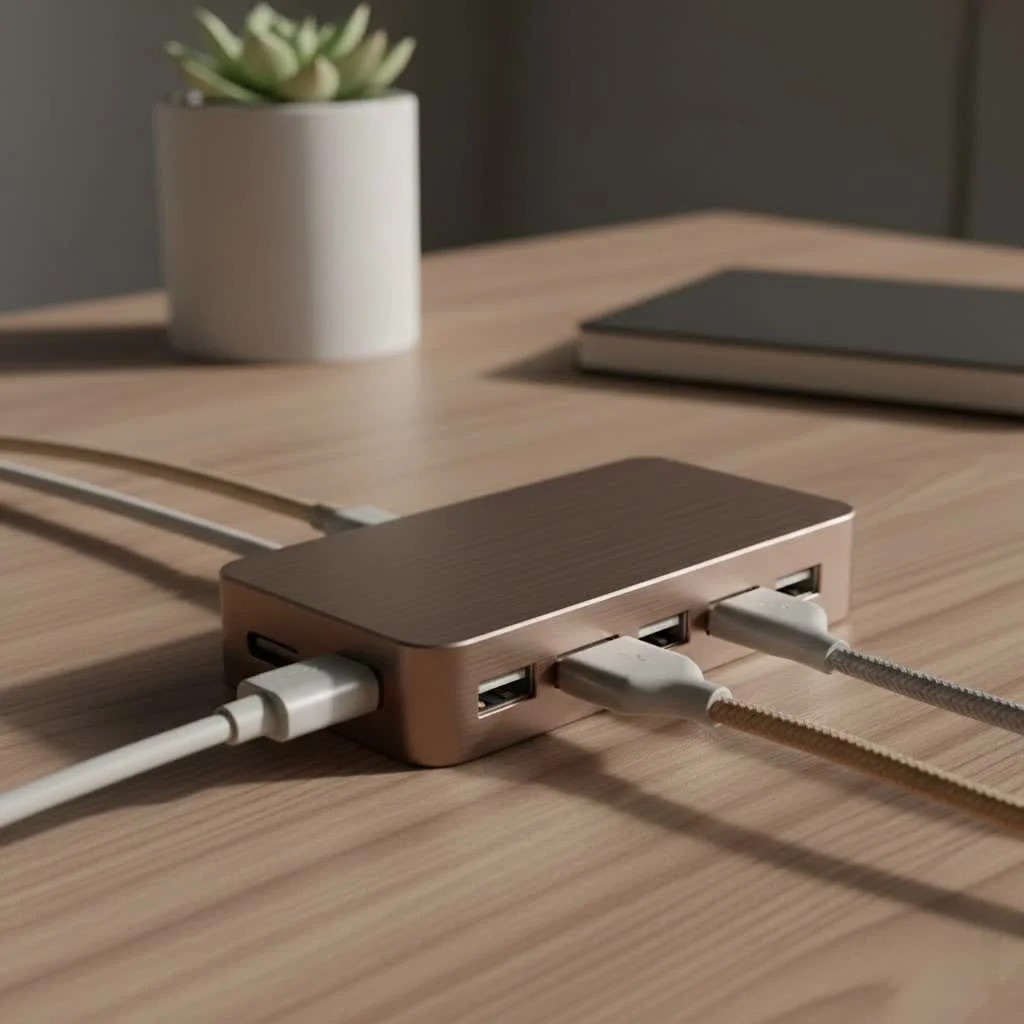 USB-C hub with multiple peripherals” style=”margin: 20px auto;width: 800px;max-width: 100%;height: auto” />
A USB-C hub acts as a crucial link for versatility. This compact device plugs into your Steam Deck’s USB-C port, expanding it into a multitude of connections. This allows you to connect to a 4K TV, plug in a keyboard and mouse for desktop mode, use a wired Ethernet connection for lag-free online gaming, and charge your device simultaneously. It’s an essential accessory for any dedicated Steam Deck owner. For usb hubs buying guides on this site.
What to Look for in a USB C Hub for Steam Deck
Choosing the right hub can seem daunting due to various technical specifications. However, focusing on a few key features will ensure you select a hub that meets all your gaming needs.
Video Output: HDMI and DisplayPort
Many gamers primarily seek a hub to dock their Steam Deck and play on a larger screen.
- HDMI 2.0: This is the most crucial port. Look for a hub that explicitly supports 4K at 60Hz (4K@60Hz). Many cheaper hubs only offer 4K@30Hz, which results in a choppy and unpleasant gaming experience. A 60Hz refresh rate provides the smooth gameplay you expect.
- DisplayPort 1.4: While less common on all hubs, DisplayPort is an excellent alternative, especially for connecting to high-refresh-rate gaming monitors. It also supports 4K@60Hz and beyond.
Power Delivery (PD) Charging
Your Steam Deck requires a steady power supply, particularly when outputting to a display and running demanding games. A hub with USB-C Power Delivery is essential.
The official Steam Deck charger is 45W. To ensure simultaneous play and charging without battery drain, look for a hub with a PD port that supports at least 45W pass-through. Ideally, aim for a hub that can handle 65W or even 100W. This provides sufficient power for the Deck itself, with extra wattage to run the hub and any connected peripherals.
“A common mistake is buying a hub with a low Power Delivery rating,” warns Alex ‘Deckard’ Chen, our lead hardware analyst at Meeob.com. “You’ll see a ‘slow charger’ warning, and your battery might even drain during an intense gaming session. Always check for at least 45W pass-through, but more is better for future-proofing.”
USB-A Ports for Peripherals
To create a true desktop experience, you will need ports for your accessories.
- USB 3.0 (or higher): Look for at least two or three USB-A 3.0 ports. These are identifiable by their blue color and offer speeds up to 5Gbps. This is perfect for connecting high-speed devices like external SSDs, webcams, or controllers.
- USB 2.0: Ports for a keyboard and mouse do not require high speeds, so USB 2.0 is perfectly fine for these peripherals. Having a mix can be a good, cost-effective option.
Ethernet Port for a Stable Connection
|
Our Picks for the Best USB Hub in 2026
As an Amazon Associate I earn from qualifying purchases.
|
||
| Num | Product | Action |
|---|---|---|
| 1 | P9R PRO USB C Hub Ethernet, 10 in 1 USB Docking Station 10Gbps with 4K@60Hz HDMI, USB C and 2 USB A 3.2, LAN, 2 USB A 2.0, PD 100W, SD/TF Ports, USB to Ethernet Adapter for PC, iPhone 16/15, Mac |

|
| 2 | UGREEN USB 3.0 Hub, 4 Ports USB A Splitter Ultra-Slim USB Expander for Mouse, Keyboard, Flash Drive, U Disk, Printer Compatible with Laptop, Desktop PC, Xbox, PS5, and More |
|
| 3 | Powered USB Hub 10Gbps, intpw 9-Port USB 3.2 Hub, USB C Hub with USB A/USB C 3.2, 4 USB 3.0, 2 PD 45W Charging Ports, 65W Power Adapter and 3.3FT Cable, Aluminum USB Hub for Laptop, iPhone 17/16/15,PC |
|
| 4 | USB Hub 3.0, 7-Port USB Hub Splitter with Individual On/Off Switches and Lights, 3.2ft/1m Long Cable Compatible with MacBook, Laptop, Surface Pro, PS4, PC, Flash Drive, Mobile HDD |
|
| 5 | Anker Laptop Docking Station Dual Monitor, 8-in-1 USB C Hub, 4K Dual Monitor with 2 HDMI, 1 Gbps Ethernet Hub, 85W Power Delivery, SD Card Reader for MacBook Pro, XPS and More (Charger not Included) |
|
| 6 | Powered USB Hub, Wenter 11-Port USB Splitter Hub (10 Faster Data Transfer Ports+ 1 Smart Charging Port) with Individual LED On/Off Switches, USB Hub 3.0 Powered with Power Adapter for Mac, PC |
|
| 7 | Anker USB Hub 4 Ports with 5Gbps Data Transfer, Multiple USB 3.0 Hub, USB Splitter for Laptop, Extender for A Port Laptop, PC, Desktop and More [Charging Not Supported](0.7 ft USB-A) |
|
| 8 | 3-in-1 USB C Splitter, 3 in 1 Type-C Charging Data Cable Data Transmission Decive Charging Adapter Power Charger Equipment for ome Office Use, Fast & Efficient |
|
| 9 | 13 in 1 USB C Docking Station - Dual Monitor, Triple Display, 8 USB C/A Ports, Ethernet, Audio - LIONWEI USB C Hub for MacBook,Dell,HP,Lenovo,Surface |
|
| 10 | USB C Docking Station with M.2 NVMe SSD Enclosure 10Gbps, 9 in 1 USB-C Hub, Type C SSD Slot with 4K@60Hz HDMI, USB 3.2 Gen2, PD100W, SD/TF Card Reader, Laptop Docking Station for Dell/HP/Lenovo/Mac |
|
While the Steam Deck’s Wi-Fi is reliable, nothing surpasses the stability and speed of a wired connection for competitive online gaming. A Gigabit Ethernet port (1000Mbps) is a must-have feature on any serious USB C hub for Steam Deck. It drastically reduces latency (ping) and eliminates the risk of packet loss, providing a crucial advantage in fast-paced games.
SD and MicroSD Card Readers
For users who want to expand their storage easily or transfer files and emulator ROMs, built-in card readers are incredibly convenient. Having both a full-size SD and a microSD card slot provides maximum flexibility without needing an additional adapter.
How to Choose the Right Hub for You
Not all hubs are created equal, and the best one depends on your primary use case.
For the Couch Gamer
If your main goal is to play on the TV from the comfort of your couch, prioritize these features:
- HDMI 2.0 (4K@60Hz): For a smooth, high-resolution image.
- USB-C Power Delivery (65W+): To keep the Deck charged during long sessions.
- At least one USB-A 3.0 port: For a wireless controller dongle or an external drive.
For the Desktop Power User
If you plan to use your Steam Deck in Desktop Mode for productivity or browsing, you will need more connectivity:
- HDMI 2.0 and/or DisplayPort 1.4: To connect to one or more monitors.
- Multiple USB-A 3.0 ports: For a keyboard, mouse, external SSD, and other accessories.
- Gigabit Ethernet Port: For fast and reliable internet.
- SD/MicroSD Card Readers: For easy file transfers.
For the Traveler
If you need a hub for on-the-go use, portability is key:
- Compact and Lightweight Design: Look for a smaller “dongle” style hub.
- Essential Ports Only: An HDMI port, one USB-A port, and a PD charging port are usually sufficient.
- Durable Build Quality: An aluminum casing can help with both durability and heat dissipation.
Frequently Asked Questions (FAQ)
Can any USB-C hub work with the Steam Deck?
Yes, technically most USB-C hubs will work with the Steam Deck as it uses a universal standard. However, for the best experience, you need one that meets specific specifications, especially 4K@60Hz video output and at least 45W Power Delivery.
Does a USB-C hub drain the Steam Deck’s battery?
A hub itself consumes a small amount of power. If used without connecting a charger to its Power Delivery port, it will drain your Deck’s battery faster. Always use a hub with pass-through charging to power your device simultaneously.
What is the difference between a USB-C hub and a docking station?
The terms are often used interchangeably. Generally, a “hub” is a smaller, more portable dongle, while a “docking station” is a larger unit designed to sit on a desk, often with a stand to hold the Steam Deck upright. Their core function of expanding ports is the same.
What is the minimum Power Delivery wattage I need?
The Steam Deck’s official charger is 45W. Your hub’s PD port should support at least 45W pass-through to charge the device at full speed. We recommend a 65W or 100W PD port to ensure enough power for the hub itself and any connected peripherals.
Will a hub make my Steam Deck run hot?
The Steam Deck is designed to manage its own temperature. A hub itself can get warm during operation, which is normal. Ensure both the Deck and the hub have adequate ventilation by not placing them on soft surfaces like a bed or couch.
Final Thoughts
A USB C hub for Steam Deck is more than just an accessory; it’s a gateway to unlocking the full, versatile power of your device. By transforming it from a simple handheld into a docked console or a portable workstation, a hub allows you to play, work, and connect in ways you never thought possible.
When you’re ready to choose, focus on your primary needs. Prioritize 4K@60Hz video, high-wattage Power Delivery, and the right number of USB ports for your setup. By investing in a quality hub, you ensure a seamless, powerful, and truly next-generation gaming experience. Now go ahead, dock your Deck, and conquer the big screen.
Get our weekly buyer guide
Practical specs, not advice. Unsubscribe anytime.
I was looking for a good USB C hub for my Steam Deck so I could finally play on my 4K TV, and this guide really helped me pick one out. The HDMI output is crystal clear, and I love being able to use a proper keyboard and mouse for desktop mode. It’s made a huge difference in how I use my Deck, definitely an essential accessory.
I never realized how much I needed a USB C hub until I got one for my Steam Deck. Being able to plug in a wired Ethernet connection for lag-free gaming has been fantastic. Plus, having extra USB-A ports for my controllers and other accessories makes it feel like a full-fledged console. Highly recommend for any serious Steam Deck user.
The hub I got based on the recommendations works pretty well for the most part. I can connect my peripherals and charge it, which is great. My only minor complaint is that the Ethernet connection sometimes drops out for a second during intense online gaming, which is a bit annoying. Still, it’s a solid improvement over just the single port.
This hub is a game-changer for my Steam Deck! I specifically wanted one that supported power delivery so I could charge while playing on an external monitor, and it does exactly that. It’s super compact too, which is perfect for throwing in my travel bag. No more worrying about running out of battery during a long session.