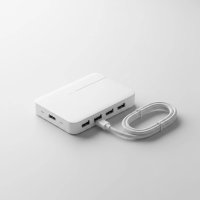
In our increasingly connected world, running out of USB ports is a common frustration, often compounded by the limitation of standard USB cable lengths. You’re trying to set up a sprawling workstation, connect surveillance cameras across a large area, or simply place a printer further from your PC, only to be met with the dreaded “cable too short” dilemma. This is where the unsung hero of connectivity steps in: the USB extender hub. Far more than just a simple port expander, a USB extender hub is a powerful solution designed to not only multiply your USB connections but also stretch their reach far beyond conventional limits, fundamentally transforming how you manage your devices and optimize your digital workspace. At Meeob.com, we understand these challenges, and we’re here to guide you through everything you need to know about these essential tools.
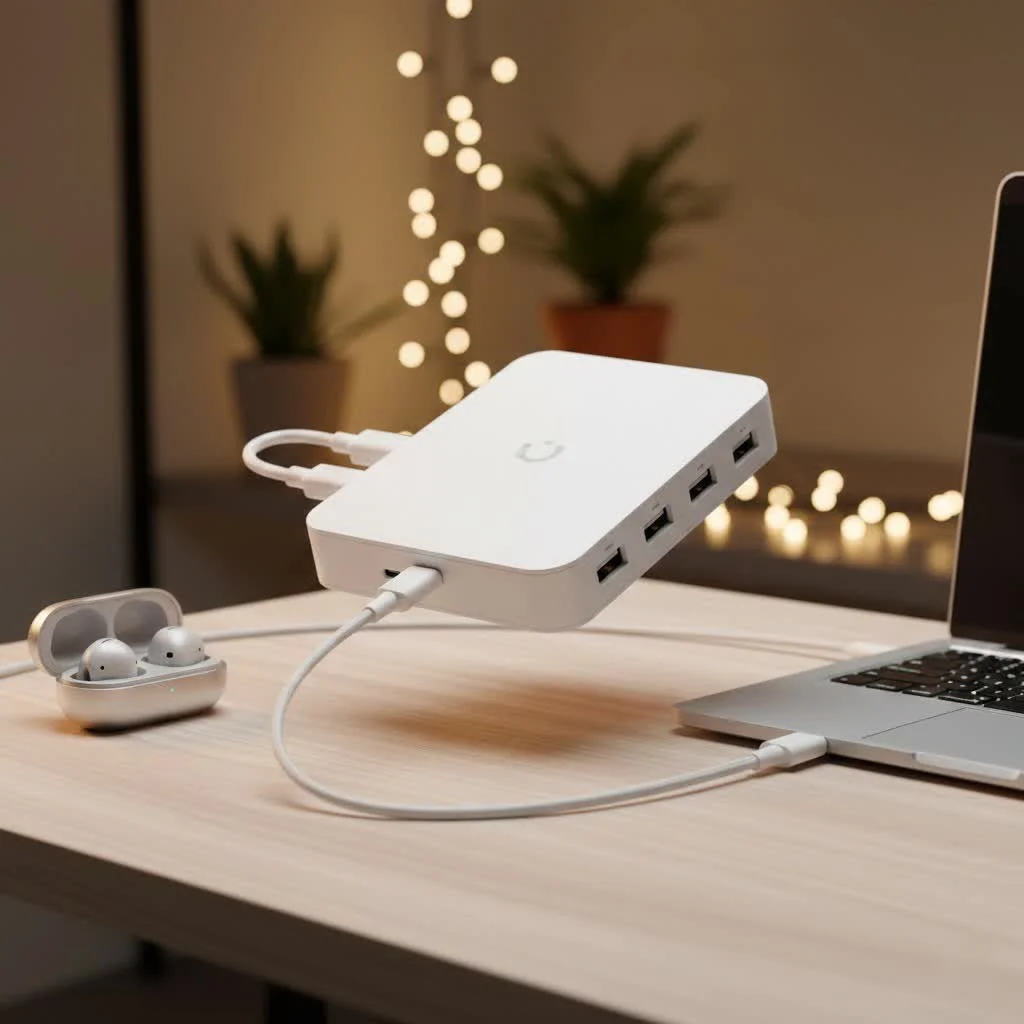
What Exactly is a USB Extender Hub?
Imagine combining the functionality of a standard USB hub with the distance-defying capabilities of a USB extender. That’s precisely what a USB extender hub delivers. A traditional USB hub takes one USB port on your computer and expands it into several, allowing you to connect multiple peripherals like keyboards, mice, flash drives, and external hard drives simultaneously. On the other hand, a USB extender is specifically designed to overcome the inherent length restrictions of USB cables, typically using specialized cables or network infrastructure to send a USB signal over much greater distances.
A USB extender hub ingeniously merges these two concepts. It consists of at least two main components: a “sender” unit that connects to your host computer and a “receiver” unit that provides multiple USB ports at a remote location. These two units communicate over a long-distance cable, most commonly an Ethernet cable, allowing you to centralize your USB device connections far from your main computer without sacrificing functionality or data integrity. It’s the ultimate solution for extending both your port count and your reach.
How Do USB Extender Hubs Work Their Magic?
The true brilliance of a USB extender hub lies in its ingenious method of transmitting USB signals over long distances, often leveraging readily available networking infrastructure. Here’s a closer look at the mechanics:
The system typically involves two primary components: a local unit (or sender) and a remote unit (or receiver). The local unit plugs into a USB port on your computer. It converts the standard USB data signals into a format suitable for long-distance transmission, most often over an Ethernet cable.
This transformed signal then travels through a standard Cat5e, Cat6, or even Cat7 Ethernet cable to the remote unit. At the remote end, the receiver unit reverses the process, converting the signal back into a standard USB format. This remote unit is where the “hub” part comes in, featuring multiple downstream USB ports where you can connect all your peripherals – from printers and scanners to webcams and external hard drives.
Crucially, many advanced USB extender hubs also manage power delivery over the same Ethernet cable, a feature often referred to as Power over Cable (PoC) or a proprietary equivalent. This means the remote hub and its connected devices can receive power directly through the Ethernet cable from the sender unit or a dedicated power supply, eliminating the need for a separate power outlet at the remote location. This streamlined power solution simplifies installation and reduces cable clutter, making your extended setup much cleaner and more efficient.
Types of USB Extender Hubs: Finding Your Perfect Match
Just like regular USB hubs, extender hubs come in various flavors, primarily differentiated by the USB standard they support and their connectivity method. Understanding these distinctions is key to choosing the right solution for your needs.
By USB Standard (Speed)
|
Our Picks for the Best USB Hub in 2026
As an Amazon Associate I earn from qualifying purchases.
|
||
| Num | Product | Action |
|---|---|---|
| 1 | Anker Laptop Docking Station Dual Monitor, 8-in-1 USB C Hub, 4K Dual Monitor with 2 HDMI, 1 Gbps Ethernet Hub, 85W Power Delivery, SD Card Reader for MacBook Pro, XPS and More (Charger not Included) |

|
| 2 | Powered USB Hub, Wenter 11-Port USB Splitter Hub (10 Faster Data Transfer Ports+ 1 Smart Charging Port) with Individual LED On/Off Switches, USB Hub 3.0 Powered with Power Adapter for Mac, PC |
|
| 3 | Powered USB Hub 10Gbps, intpw 9-Port USB 3.2 Hub, USB C Hub with USB A/USB C 3.2, 4 USB 3.0, 2 PD 45W Charging Ports, 65W Power Adapter and 3.3FT Cable, Aluminum USB Hub for Laptop, iPhone 17/16/15,PC |
|
| 4 | USB Hub 3.0, 7-Port USB Hub Splitter with Individual On/Off Switches and Lights, 3.2ft/1m Long Cable Compatible with MacBook, Laptop, Surface Pro, PS4, PC, Flash Drive, Mobile HDD |
|
| 5 | Anker USB Hub 4 Ports with 5Gbps Data Transfer, Multiple USB 3.0 Hub, USB Splitter for Laptop, Extender for A Port Laptop, PC, Desktop and More [Charging Not Supported](0.7 ft USB-A) |
|
| 6 | P9R PRO USB C Hub Ethernet, 10 in 1 USB Docking Station 10Gbps with 4K@60Hz HDMI, USB C and 2 USB A 3.2, LAN, 2 USB A 2.0, PD 100W, SD/TF Ports, USB to Ethernet Adapter for PC, iPhone 16/15, Mac |
|
| 7 | 13 in 1 USB C Docking Station - Dual Monitor, Triple Display, 8 USB C/A Ports, Ethernet, Audio - LIONWEI USB C Hub for MacBook,Dell,HP,Lenovo,Surface |
|
| 8 | 3-in-1 USB C Splitter, 3 in 1 Type-C Charging Data Cable Data Transmission Decive Charging Adapter Power Charger Equipment for ome Office Use, Fast & Efficient |
|
| 9 | USB C Docking Station with M.2 NVMe SSD Enclosure 10Gbps, 9 in 1 USB-C Hub, Type C SSD Slot with 4K@60Hz HDMI, USB 3.2 Gen2, PD100W, SD/TF Card Reader, Laptop Docking Station for Dell/HP/Lenovo/Mac |
|
| 10 | UGREEN USB 3.0 Hub, 4 Ports USB A Splitter Ultra-Slim USB Expander for Mouse, Keyboard, Flash Drive, U Disk, Printer Compatible with Laptop, Desktop PC, Xbox, PS5, and More |
|
The speed of your extender hub is paramount, especially if you’re working with data-intensive devices.
- USB 2.0 Extender Hubs (Up to 480 Mbps): These are suitable for devices that don’t require high-speed data transfer, such as keyboards, mice, webcams, and basic printers. They are often more affordable and can extend signals over longer distances with simpler cabling. If your primary goal is just to get a basic peripheral across a room, USB 2.0 might be perfectly adequate.
- USB 3.0/3.1/3.2 Extender Hubs (5 Gbps and Beyond): When you need serious speed for external hard drives, high-resolution cameras, or other bandwidth-hungry devices, USB 3.x extender hubs are your go-to. These hubs can transfer data at significantly faster rates (5 Gigabits per second for USB 3.0, with even higher speeds for newer 3.1 and 3.2 versions). While they offer superior performance, they might have slightly shorter maximum distances than their USB 2.0 counterparts over the same cable type, and the devices themselves are generally more expensive. They are also backward compatible with USB 2.0 devices, offering versatility.
By Connectivity Method
The way the sender and receiver units connect also varies, impacting installation flexibility and potential distance.
- Dedicated Ethernet Cable Extenders (Point-to-Point): This is the most common type. A single Cat5e, Cat6, or Cat7 Ethernet cable directly links the sender and receiver units. This creates a dedicated, high-performance link specifically for your USB data. They are ideal for direct runs where you have control over the cabling. Distances commonly reach up to 100 meters (330 feet).
- IP Network Extenders (Over Existing LAN): Some advanced USB extender hubs can transmit USB signals over your existing Gigabit Ethernet Local Area Network (LAN). This means you don’t necessarily need to run a dedicated cable; the USB signal can travel through your network switches and routers, just like any other network data. This offers incredible flexibility, allowing you to extend USB across multiple floors or buildings, provided your network infrastructure is robust enough. The maximum extension distance can essentially “reset” at each network switch, allowing for vast distances.
- Active Optical Cable (AOC) Extenders: While less common for multi-port “hubs,” active optical cables can provide very long, high-speed USB extensions (e.g., for USB 3.x and even USB4) using fiber optic technology. These are typically point-to-point solutions for single devices or very compact hubs, offering immunity to electrical interference and even greater distances than copper-based Ethernet, but at a higher cost.
Why You Need a USB Extender Hub: Practical Applications
USB extender hubs aren’t just niche gadgets; they’re essential tools that solve real-world problems in a variety of settings.
Remote Workstations & Offices
Imagine a clean desk setup where your PC tower is tucked away, but you still need to connect your keyboard, mouse, webcam, and a printer. An extender hub allows you to consolidate all these peripherals at your desk, connecting them to a single remote hub that communicates with your distant computer. This also applies to hot-desking environments where users need quick, reliable access to shared peripherals from various locations.
Industrial & Commercial Setups
In industrial automation or commercial environments, control systems, data loggers, or specialized equipment might need to be located far from the monitoring computer, perhaps in a server room or a different part of a factory floor. USB extender hubs provide the robust, long-distance connectivity required for these critical applications, ensuring reliable data transfer and device control. For example, connecting barcode scanners or point-of-sale (POS) devices over longer distances in retail.
Gaming & Entertainment
For serious gamers, especially those with VR setups or elaborate simulator rigs, cable management and device placement can be a nightmare. An extender hub can connect VR headsets, joysticks, steering wheels, or other gaming peripherals far from the gaming PC, allowing for a more immersive and less cluttered experience. Similarly, for home theater PCs (HTPCs), you can place a USB remote control receiver or external hard drive near your TV while the PC remains hidden away.
Home Office & Media Centers
If your home office printer is across the room or in another office, an extender hub eliminates the need for inconveniently long, unsightly USB cables or reliance on flaky wireless connections. For media centers, it can connect external storage drives or sound interfaces to a central server or entertainment PC located out of sight.
As “Tech Whisperer” Evelyn Reed from Meeob.com puts it, “A well-chosen USB extender hub isn’t just about adding ports; it’s about unlocking new possibilities for device placement and workflow efficiency, transforming clutter into seamless connectivity.”
The Ups and Downs: Pros and Cons of USB Extender Hubs
Like any technology, USB extender hubs come with their own set of advantages and potential drawbacks. Understanding these can help you make an informed decision.
Advantages
- Overcome Distance Limitations: This is the primary benefit. You’re no longer restricted by the 5-meter (16-foot) limit of standard USB cables, allowing for flexible device placement up to 100 meters or more.
- Expand Connectivity at Remote Points: Not only do they extend reach, but they also provide multiple USB ports at the remote end, solving both distance and port shortage issues simultaneously.
- Maintain Signal Integrity: Unlike simply chaining passive USB extension cables, well-designed extender hubs actively manage the signal, ensuring data integrity and reliable device operation over long distances.
- Cleaner Cable Management: By using a single, often thin, Ethernet cable for the long run, you can significantly reduce cable clutter compared to multiple long USB cables, leading to a tidier and more organized workspace.
- Flexibility with Power: Many modern extender hubs can deliver power over the same Ethernet cable, simplifying installation and reducing the need for multiple power outlets at the remote location.
Disadvantages
- Higher Initial Cost: USB extender hubs are generally more expensive than standard USB hubs or basic extension cables due to their specialized technology and components.
- Installation Complexity: While not overly difficult, setting up an extender hub requires running an Ethernet cable, which can be more involved than simply plugging in a short USB cable, especially if you need to route it through walls or conduits.
- Potential Speed Bottlenecks: If you choose a USB 2.0 extender hub for a high-speed USB 3.0 device, you’ll be limited to USB 2.0 speeds. It’s crucial to match the hub’s capabilities to your devices’ requirements.
- Requires Compatible Cabling: You’ll need appropriate Ethernet cabling (Cat5e, Cat6, or Cat7) for the connection, and the quality of this cable can impact performance.
Choosing the Right USB Extender Hub: A Buyer’s Guide
Selecting the perfect USB extender hub can feel overwhelming with the myriad of options available. Follow these practical steps to ensure you pick the one that best suits your needs:
Consider Your Speed Needs (USB 2.0 vs. 3.x)
- For low-bandwidth devices (keyboard, mouse, basic webcam, printer): A USB 2.0 extender hub is often sufficient and more budget-friendly.
- For high-bandwidth devices (external SSDs, HD webcams, capture cards, high-speed flash drives): Opt for a USB 3.0, 3.1, or 3.2 extender hub to harness the full speed potential. Always check the specific USB version supported by both the hub and your devices.
How Many Ports Do You Really Need?
Think about all the devices you plan to connect at the remote location. USB extender hubs come with varying numbers of downstream ports (e.g., 2, 4, 7, or more). It’s always a good idea to have one or two extra ports than you currently need, allowing for future expansion without having to buy another hub.
Power Matters: Bus-Powered vs. Self-Powered vs. Power over Cable
- Bus-Powered: Draws all power from the host computer’s USB port. These are usually limited to low-power devices and shorter distances. You’ll rarely find a true “extender hub” that is solely bus-powered due to the power drop over distance.
- Self-Powered (Active Hub): Comes with its own external power adapter. This is highly recommended for USB extender hubs, especially if you plan to connect power-hungry devices like external hard drives or charge mobile devices. It ensures stable power delivery to all connected peripherals over the extended distance.
- Power over Cable (PoC): A fantastic feature where one unit (either sender or receiver) is powered externally, and it then supplies power to the other unit and the remote hub itself over the Ethernet cable. This simplifies wiring at the remote end.
Distance and Cable Type (Cat5e, Cat6, Cat7)
- Distance: Determine the exact distance between your computer and where you want your remote USB devices. Most Ethernet-based extender hubs specify a maximum distance (e.g., 100 meters).
- Cable Type: While Cat5e can work for shorter runs and lower speeds, Cat6 or Cat7 Ethernet cables are highly recommended for optimal performance, especially for USB 3.x speeds and longer distances, as they offer better shielding and less signal degradation. Ensure you use quality, properly terminated cables.
Compatibility and Additional Features
- Operating System Compatibility: Most USB extender hubs are plug-and-play and work across Windows, macOS, and Linux.
- Integrated Features: Some extender hubs might offer additional functionalities like Ethernet passthrough, HDMI or DisplayPort outputs for video, or integrated memory card readers. Consider if these extra features align with your overall setup needs, but remember they might add to the cost.
Expert Insight: What Meeob.com Recommends
“Choosing a USB extender hub is about more than just numbers; it’s about creating a seamless and efficient workspace,” advises David Chen, Head of Connectivity Solutions at Meeob.com. “Always prioritize a self-powered or PoC-enabled hub, especially for professional use, to guarantee stable power to all your devices. And for any critical application or high-speed data transfer, investing in a USB 3.x compatible hub with Cat6 or Cat7 cabling will save you countless headaches down the line. Don’t compromise on quality for your extended connectivity.”
Frequently Asked Questions (FAQ)
Can I use a regular Ethernet cable with a USB extender hub?
Yes, absolutely! USB extender hubs are specifically designed to use standard Cat5e, Cat6, or Cat7 Ethernet cables to transmit USB signals. However, for optimal performance, especially over longer distances or with higher USB speeds (like USB 3.x), we recommend using Cat6 or Cat7.
Do USB extender hubs affect speed?
The speed of a USB extender hub is primarily determined by its USB standard (e.g., USB 2.0 or USB 3.x) and the quality of the Ethernet cable. A well-designed hub with appropriate cabling should maintain the specified USB speeds, but a poor-quality hub or cable can introduce bottlenecks.
Are all USB extender hubs powered?
While some very basic extender cables might be bus-powered, most multi-port USB extender hubs, especially those designed for long distances and multiple devices, are self-powered (with an external adapter) or support Power over Cable (PoC). This is crucial for providing stable power to all connected devices.
What’s the maximum distance for a USB extender hub?
Most Ethernet-based USB extender hubs can extend USB signals up to 100 meters (330 feet) over a single Cat5e/6/7 cable. Some specialized IP-based extenders can even span much greater distances by utilizing existing network infrastructure with multiple switches.
Can I connect multiple USB extender hubs in series?
Generally, it’s not recommended to daisy-chain multiple USB extender hubs in series. Doing so can lead to signal degradation, power issues, and reduced reliability. It’s best to use a single extender hub solution for your required distance to maintain optimal performance.
Conclusion
The USB extender hub is a game-changer for anyone grappling with limited USB ports or the frustrating constraints of cable length. By seamlessly blending port expansion with long-distance connectivity, these devices empower you to design your workspace, office, or entertainment setup with unprecedented freedom and efficiency. From ensuring stable power to high-speed data transfer over vast distances, the right USB extender hub can transform your digital experience, creating a more organized, functional, and productive environment. At Meeob.com, we’re dedicated to helping you navigate the complexities of connectivity, ensuring you have the knowledge and confidence to choose and utilize USB technology safely and effectively. Embrace the power of the USB extender hub and unlock the full potential of your devices!
Get our weekly buyer guide
Practical specs, not advice. Unsubscribe anytime.