Ever find yourself in a digital tug-of-war, constantly swapping out your mouse, keyboard, and external hard drive because your laptop has a shortage of USB ports? You’re not alone. In a world brimming with essential peripherals, the built-in ports on our computers often feel insufficient. The solution isn’t a complex IT overhaul; it’s a simple yet powerful device known as a Powered Usb Hub. This essential accessory not only expands your connectivity but also ensures your devices get the stable power they need to perform flawlessly.
What Exactly is a Powered USB Hub?
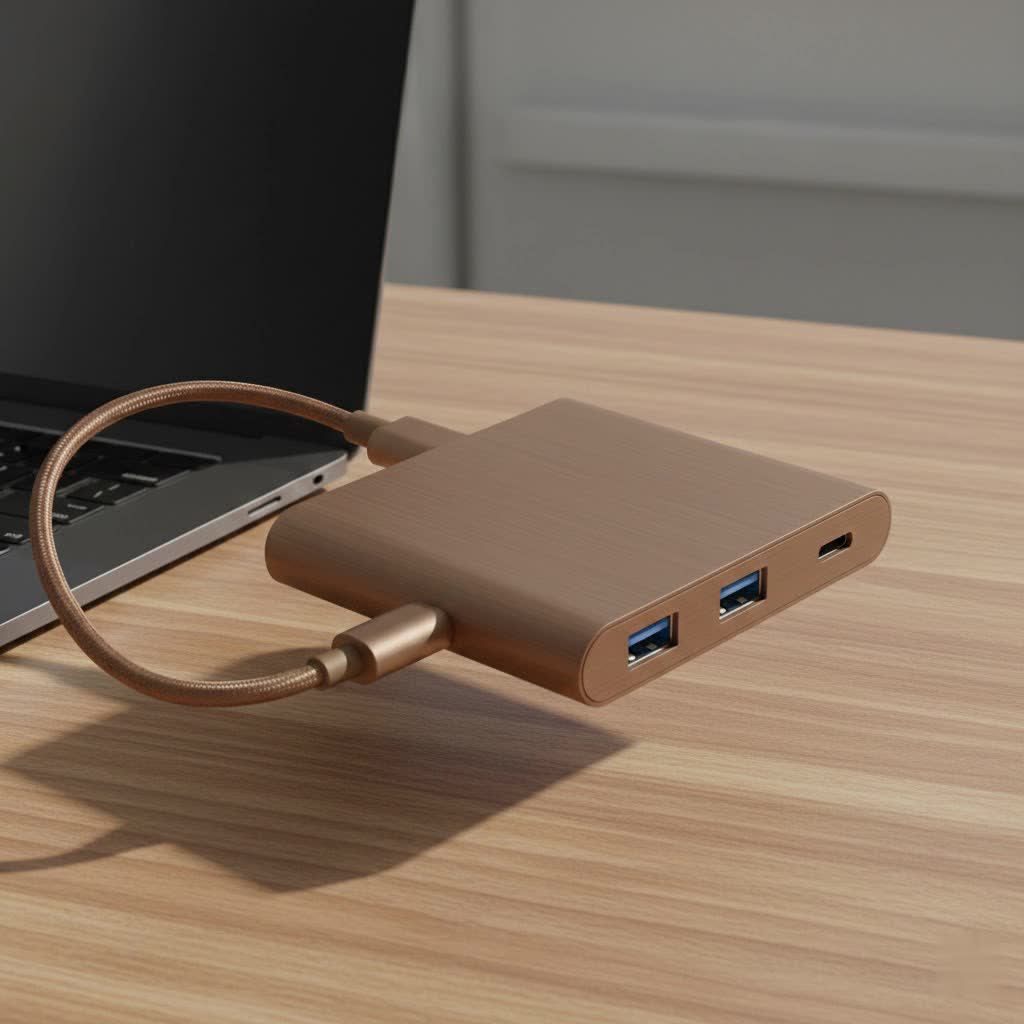
Think of a powered USB hub as a power strip for your USB devices. It’s a compact gadget that plugs into a single USB port on your computer and expands it into multiple ports. The key difference, and its main advantage, lies in its dedicated power source. Unlike unpowered (or “bus-powered”) hubs that draw a limited amount of electricity directly from your computer, a powered USB hub connects to a wall outlet via its own AC adapter.
This external power supply is a game-changer. It means the hub doesn’t have to share your computer’s limited power resources. Instead, it delivers a consistent and robust stream of electricity to each connected device, ensuring everything runs smoothly without overwhelming your computer.
Why You Absolutely Need a Powered USB Hub
If you connect more than just a keyboard and mouse, the benefits of a powered hub become immediately clear. Relying on an unpowered hub for multiple devices can lead to frustrating issues, like your external hard drive randomly disconnecting or your smartphone charging at a snail’s pace. A powered hub solves these problems and more.
Key Benefits You’ll Notice Immediately:
- Stable Performance for Demanding Devices: High-power peripherals like external hard drives, webcams, printers, and scanners require a stable energy source. A powered USB hub provides the juice they need, preventing data transfer errors and unexpected disconnections.
- Simultaneous, Full-Speed Operation: Because each port gets a dedicated supply of power, you can use all the ports at once without a drop in performance. Run your backup drive, connect your microphone, and charge your phone simultaneously without a hitch.
- Faster and More Reliable Charging: A powered hub can deliver more amperage than a standard computer port, allowing it to charge your devices like smartphones and tablets more efficiently and quickly.
- Protects Your Computer: By offloading the power demand to an external source, a powered hub reduces the strain on your computer’s internal power supply, which can contribute to its longevity.
|
Our Picks for the Best USB Hub in 2026
As an Amazon Associate I earn from qualifying purchases.
|
||
| Num | Product | Action |
|---|---|---|
| 1 | UGREEN USB 3.0 Hub, 4 Ports USB A Splitter Ultra-Slim USB Expander for Mouse, Keyboard, Flash Drive, U Disk, Printer Compatible with Laptop, Desktop PC, Xbox, PS5, and More |

|
| 2 | P9R PRO USB C Hub Ethernet, 10 in 1 USB Docking Station 10Gbps with 4K@60Hz HDMI, USB C and 2 USB A 3.2, LAN, 2 USB A 2.0, PD 100W, SD/TF Ports, USB to Ethernet Adapter for PC, iPhone 16/15, Mac |
|
| 3 | 3-in-1 USB C Splitter, 3 in 1 Type-C Charging Data Cable Data Transmission Decive Charging Adapter Power Charger Equipment for ome Office Use, Fast & Efficient |
|
| 4 | Powered USB Hub, Wenter 11-Port USB Splitter Hub (10 Faster Data Transfer Ports+ 1 Smart Charging Port) with Individual LED On/Off Switches, USB Hub 3.0 Powered with Power Adapter for Mac, PC |
|
| 5 | Anker USB Hub 4 Ports with 5Gbps Data Transfer, Multiple USB 3.0 Hub, USB Splitter for Laptop, Extender for A Port Laptop, PC, Desktop and More [Charging Not Supported](0.7 ft USB-A) |
|
| 6 | 13 in 1 USB C Docking Station - Dual Monitor, Triple Display, 8 USB C/A Ports, Ethernet, Audio - LIONWEI USB C Hub for MacBook,Dell,HP,Lenovo,Surface |
|
| 7 | USB C Docking Station with M.2 NVMe SSD Enclosure 10Gbps, 9 in 1 USB-C Hub, Type C SSD Slot with 4K@60Hz HDMI, USB 3.2 Gen2, PD100W, SD/TF Card Reader, Laptop Docking Station for Dell/HP/Lenovo/Mac |
|
| 8 | Anker Laptop Docking Station Dual Monitor, 8-in-1 USB C Hub, 4K Dual Monitor with 2 HDMI, 1 Gbps Ethernet Hub, 85W Power Delivery, SD Card Reader for MacBook Pro, XPS and More (Charger not Included) |
|
| 9 | USB Hub 3.0, 7-Port USB Hub Splitter with Individual On/Off Switches and Lights, 3.2ft/1m Long Cable Compatible with MacBook, Laptop, Surface Pro, PS4, PC, Flash Drive, Mobile HDD |
|
| 10 | Powered USB Hub 10Gbps, intpw 9-Port USB 3.2 Hub, USB C Hub with USB A/USB C 3.2, 4 USB 3.0, 2 PD 45W Charging Ports, 65W Power Adapter and 3.3FT Cable, Aluminum USB Hub for Laptop, iPhone 17/16/15,PC |
|
As our lead hardware analyst at Meeob, David Chen, often says, “Using an unpowered hub for anything more than a mouse and keyboard is like asking a sedan to do a truck’s job. A powered USB hub provides the horsepower your digital life demands, ensuring reliability and performance across all your peripherals.”
How to Choose the Perfect Powered USB Hub for You
With so many options on the market, selecting the right powered USB hub can feel daunting. By focusing on a few key features, you can easily find a hub that perfectly matches your needs.
1. Count Your Ports and Know Your Types
First, consider how many devices you need to connect. It’s wise to choose a hub with more ports than you currently need to future-proof your setup. Pay attention to the type of ports as well:
- USB-A: The traditional, rectangular port. Still the most common type and essential for most keyboards, mice, and flash drives.
- USB-C: The newer, oval-shaped, reversible port. It offers faster data transfer speeds and higher power delivery. Many modern hubs offer a mix of both USB-A and USB-C.
2. Check the Data Transfer Speed
Not all USB ports are created equal. The speed determines how quickly data moves between your device and computer.
- USB 2.0: An older standard with speeds up to 480 Mbps. Suitable for basic peripherals like keyboards and mice.
- USB 3.0 (or USB 3.1 Gen 1 / USB 3.2 Gen 1): Offers much faster speeds of up to 5 Gbps. This is the ideal choice for external hard drives, SSDs, and flash drives.
- USB 3.1 Gen 2 (or USB 3.2 Gen 2): Provides speeds up to 10 Gbps, perfect for high-performance devices like external SSDs used for video editing.
3. Don’t Overlook the Power Output
The total power output, measured in amperes (A) or watts (W), determines how effectively the hub can power and charge multiple devices at once. Look for hubs that clearly state their power capacity. A good powered hub should provide at least 2A (10W) of total output, with higher-end models offering significantly more. Some advanced USB-C hubs even support Power Delivery (PD), which can be powerful enough to charge a laptop.
4. Build Quality and Design
A well-built hub will last longer. Aluminum casings are generally more durable and better at dissipating heat than plastic ones. Also, consider the hub’s design. Do you need a compact hub for travel, or a larger one that can sit neatly on your desk? Cable length is another practical consideration—ensure the hub’s cable is long enough to reach from your computer to your desired workspace location.
Frequently Asked Questions
What is the main difference between a powered and an unpowered USB hub?
A powered USB hub has its own external power adapter that plugs into a wall outlet, providing consistent power to each port. An unpowered (bus-powered) hub draws all its power directly from the computer it’s connected to, which is often insufficient for multiple or high-drain devices.
Can a powered USB hub damage my devices?
No, a quality powered USB hub from a reputable brand will not damage your devices. USB devices are designed to draw only the amount of power they need. The hub simply makes adequate power available; it doesn’t force it into your devices.
How many devices can I connect to a powered hub?
You can connect as many devices as there are ports. The external power supply ensures that even if you use every single port, each device will receive a stable connection and sufficient power to operate correctly.
Do I need to install any software or drivers?
Generally, no. Powered USB hubs are “plug-and-play,” meaning they work automatically as soon as you connect them to your computer and plug them into the wall. Your operating system will recognize the hub and the connected devices without any extra steps.
The Final Verdict
In an increasingly connected digital world, running out of USB ports is more than a minor inconvenience—it’s a roadblock to productivity. A powered USB hub is a simple, affordable, and highly effective solution. It not only expands your connectivity options but also provides the stable, robust power that modern peripherals demand. By choosing the right hub, you can create a more organized, efficient, and reliable workspace, ensuring all your devices perform at their best, all the time.
