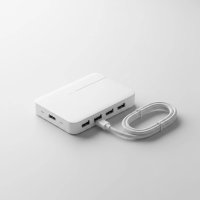
In a world filled with smartphones, tablets, smartwatches, and headphones, the battle for a free power outlet is a daily struggle. If your desk or nightstand looks like a tangled mess of cables and adapters, you know the problem all too well. This is where a USB charging hub comes in, transforming that chaos into a streamlined, efficient power station. As the core content creator for Meeob, I’ve spent over a decade testing and analyzing these devices, and I’m here to demystify them for you. This guide will walk you through everything you need to know to select the perfect hub for your needs.
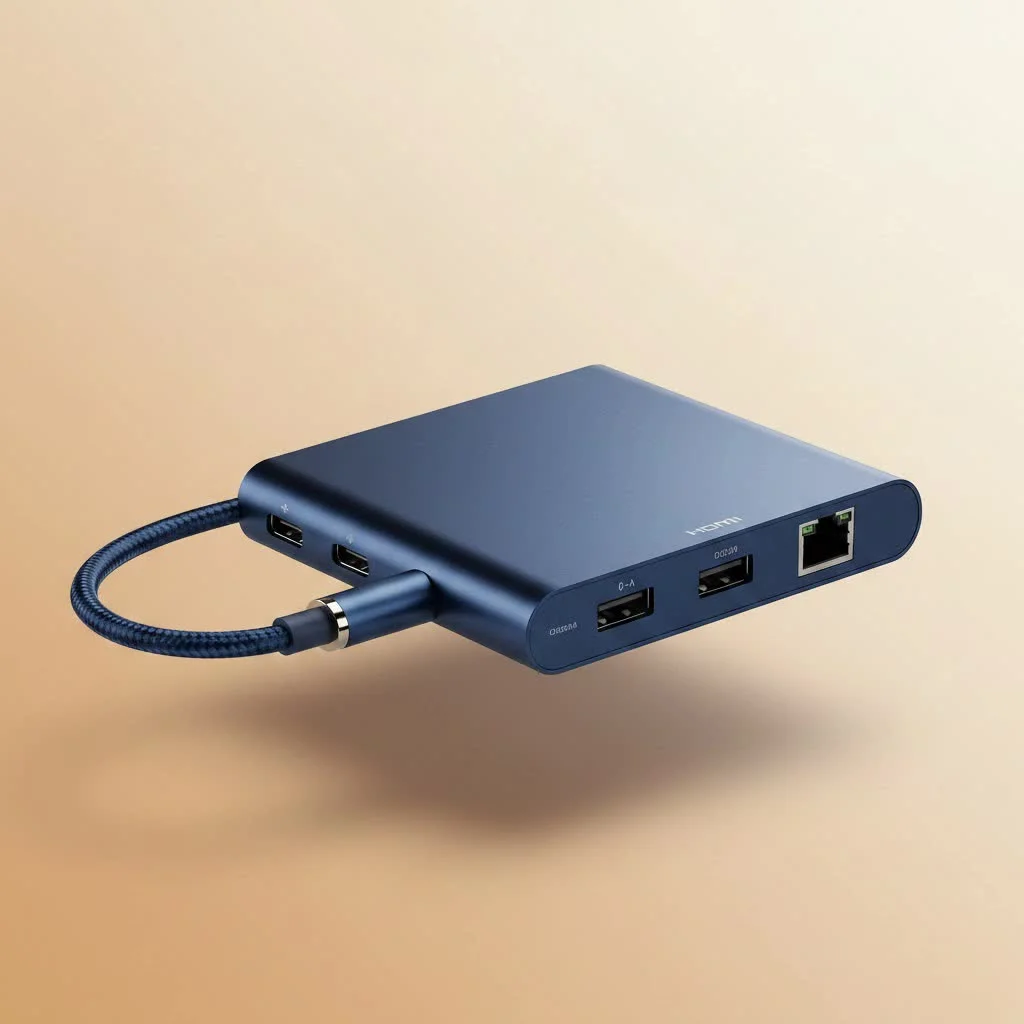
What is a USB Charging Hub, Anyway?
Think of a USB charging hub, also known as a multi-port USB charger, as a power strip specifically for your USB-powered devices. Instead of plugging multiple bulky adapters into every available wall socket, you plug in a single hub that offers numerous USB ports. It consolidates all your charging needs into one compact, convenient location, decluttering your space and ensuring all your gadgets get the power they require from a single outlet. For expert usb hubs reviews on this site.
The Core Benefits: Why You Absolutely Need One
Still on the fence? Let’s break down why a dedicated charging hub is one of the best tech accessories you can buy.
- Ultimate Convenience: Charge your phone, tablet, smartwatch, and power bank all at the same time, from one spot. No more hunting for spare outlets behind the couch.
- Reduced Clutter: Say goodbye to the “octopus” of cables and bulky adapters. A single hub and its power cord create a much cleaner and more organized look.
- Faster Charging: Many modern hubs come equipped with smart charging technology that identifies your device and delivers the fastest possible safe charge, often much quicker than the basic charger that came in the box.
- Travel Friendly: Instead of packing a handful of different power bricks for your trip, you only need to bring one compact charging hub to power all your electronics.
How to Choose the Best USB Charging Hub
Not all hubs are created equal. The right choice depends entirely on your devices and lifestyle. Let’s look at the critical features to consider before you make a purchase.
1. Number and Type of Ports
The first thing to consider is how many devices you’ll be charging simultaneously. It’s wise to choose a hub with more ports than you currently need to future-proof your setup. Pay close attention to the type of ports offered:
- USB-A: The traditional, rectangular USB port. It’s still widely used for many cables and older devices.
- USB-C: The newer, smaller, oval-shaped reversible port. It’s the modern standard for new smartphones, tablets, and even laptops, supporting faster charging technologies.
A good modern USB charging hub will offer a mix of both USB-A and USB-C ports to provide maximum compatibility.
2. Total Power Output (Wattage)
|
Our Picks for the Best USB Hub in 2026
As an Amazon Associate I earn from qualifying purchases.
|
||
| Num | Product | Action |
|---|---|---|
| 1 | UGREEN USB 3.0 Hub, 4 Ports USB A Splitter Ultra-Slim USB Expander for Mouse, Keyboard, Flash Drive, U Disk, Printer Compatible with Laptop, Desktop PC, Xbox, PS5, and More |

|
| 2 | USB C Docking Station with M.2 NVMe SSD Enclosure 10Gbps, 9 in 1 USB-C Hub, Type C SSD Slot with 4K@60Hz HDMI, USB 3.2 Gen2, PD100W, SD/TF Card Reader, Laptop Docking Station for Dell/HP/Lenovo/Mac |
|
| 3 | Anker USB Hub 4 Ports with 5Gbps Data Transfer, Multiple USB 3.0 Hub, USB Splitter for Laptop, Extender for A Port Laptop, PC, Desktop and More [Charging Not Supported](0.7 ft USB-A) |
|
| 4 | Powered USB Hub 10Gbps, intpw 9-Port USB 3.2 Hub, USB C Hub with USB A/USB C 3.2, 4 USB 3.0, 2 PD 45W Charging Ports, 65W Power Adapter and 3.3FT Cable, Aluminum USB Hub for Laptop, iPhone 17/16/15,PC |
|
| 5 | 3-in-1 USB C Splitter, 3 in 1 Type-C Charging Data Cable Data Transmission Decive Charging Adapter Power Charger Equipment for ome Office Use, Fast & Efficient |
|
| 6 | USB Hub 3.0, 7-Port USB Hub Splitter with Individual On/Off Switches and Lights, 3.2ft/1m Long Cable Compatible with MacBook, Laptop, Surface Pro, PS4, PC, Flash Drive, Mobile HDD |
|
| 7 | P9R PRO USB C Hub Ethernet, 10 in 1 USB Docking Station 10Gbps with 4K@60Hz HDMI, USB C and 2 USB A 3.2, LAN, 2 USB A 2.0, PD 100W, SD/TF Ports, USB to Ethernet Adapter for PC, iPhone 16/15, Mac |
|
| 8 | Anker Laptop Docking Station Dual Monitor, 8-in-1 USB C Hub, 4K Dual Monitor with 2 HDMI, 1 Gbps Ethernet Hub, 85W Power Delivery, SD Card Reader for MacBook Pro, XPS and More (Charger not Included) |
|
| 9 | Powered USB Hub, Wenter 11-Port USB Splitter Hub (10 Faster Data Transfer Ports+ 1 Smart Charging Port) with Individual LED On/Off Switches, USB Hub 3.0 Powered with Power Adapter for Mac, PC |
|
| 10 | 13 in 1 USB C Docking Station - Dual Monitor, Triple Display, 8 USB C/A Ports, Ethernet, Audio - LIONWEI USB C Hub for MacBook,Dell,HP,Lenovo,Surface |
|
Power output, measured in watts (W), is the most crucial factor for charging speed. It determines how much power the hub can deliver at once. A hub with low wattage will charge multiple devices very slowly.
- Smartphones: Typically require 10-20W for fast charging.
- Tablets: Need around 20-45W.
- Laptops (like MacBooks): Require 45W, 65W, or even 100W for effective charging via USB-C.
To find the total wattage you need, add up the requirements of the devices you plan to charge at the same time. A 65W hub, for example, can fast-charge a laptop and a phone simultaneously, or several smaller devices at full speed.
3. Smart Charging Technology
This is the magic that ensures your devices charge quickly and safely. Look for hubs that mention these technologies:
- Power Delivery (PD): This is a USB-C exclusive standard that enables much higher power output. If you want to charge a laptop, tablet, or modern smartphone at its top speed, a USB-C port with PD is non-negotiable.
- Qualcomm Quick Charge (QC): A popular fast-charging standard for many Android devices.
- GaN (Gallium Nitride): This is a newer semiconductor material that allows chargers to be smaller, more energy-efficient, and run cooler than traditional silicon-based chargers. GaN chargers often pack a lot of power into a very compact form factor.
4. Safety First: Look for Certifications
Plugging all your expensive electronics into one device can be nerve-wracking. That’s why safety is paramount.
“A reliable USB charging hub isn’t just about speed; it’s about peace of mind. Always look for official safety certifications like UL, ETL, or CE on the product or packaging. These marks mean the hub has been rigorously tested against industry standards to prevent overheating, overcharging, and short-circuiting.”
— David Chen, Lead Engineer at Meeob
Never buy a charger that doesn’t list its safety certifications. It’s a small detail that protects your valuable devices from damage.
Are USB Charging Hubs Safe to Use?
Yes, provided you purchase from a reputable brand that adheres to safety standards. A well-made USB charging hub has built-in circuitry to manage heat and protect against power surges and overcharging. The problems arise from cheap, uncertified chargers that cut corners on safety components. Stick to known brands and certified products, and you can charge with confidence.
Frequently Asked Questions (FAQ)
What’s the difference between a USB hub and a USB charging hub?
A standard USB hub is designed for data transfer—it expands one USB port on your computer into several, so you can connect a mouse, keyboard, and flash drive. While it might provide a trickle of power, it’s not designed for charging. A USB charging hub is specifically designed to deliver high power for efficiently charging multiple devices.
Can I charge a laptop with a USB charging hub?
Yes, but only if the hub has a USB-C port with Power Delivery (PD) and sufficient wattage. You’ll need at least a 45W port for most ultrabooks and a 65W-100W port for more powerful laptops. Always check your laptop’s power requirements.
How many watts do I really need?
For a typical user charging a phone, a watch, and headphones, a 30-40W hub is sufficient. If you’re adding a tablet or want to fast-charge multiple phones, aim for 60-65W. For a full desk setup including a laptop, 100W or more is the ideal choice.
Do USB charging hubs use electricity when not in use?
Yes, like most electronics, they draw a very small amount of standby power, often called “vampire” or “phantom” power. However, the amount is minuscule and typically costs less than a dollar a year. For a GaN charger, this standby power draw is even lower.
Your Power, Organized
Choosing the right USB charging hub can genuinely improve your daily routine. It declutters your space, simplifies your life, and ensures your essential gadgets are always ready to go. By focusing on the number of ports, total power output, smart charging features, and essential safety certifications, you can confidently invest in a device that will serve you well for years to come. Stop fighting for outlets and consolidate your power into one smart, efficient station.
Get our weekly buyer guide
Practical specs, not advice. Unsubscribe anytime.